FlipAlbum
®
6 115
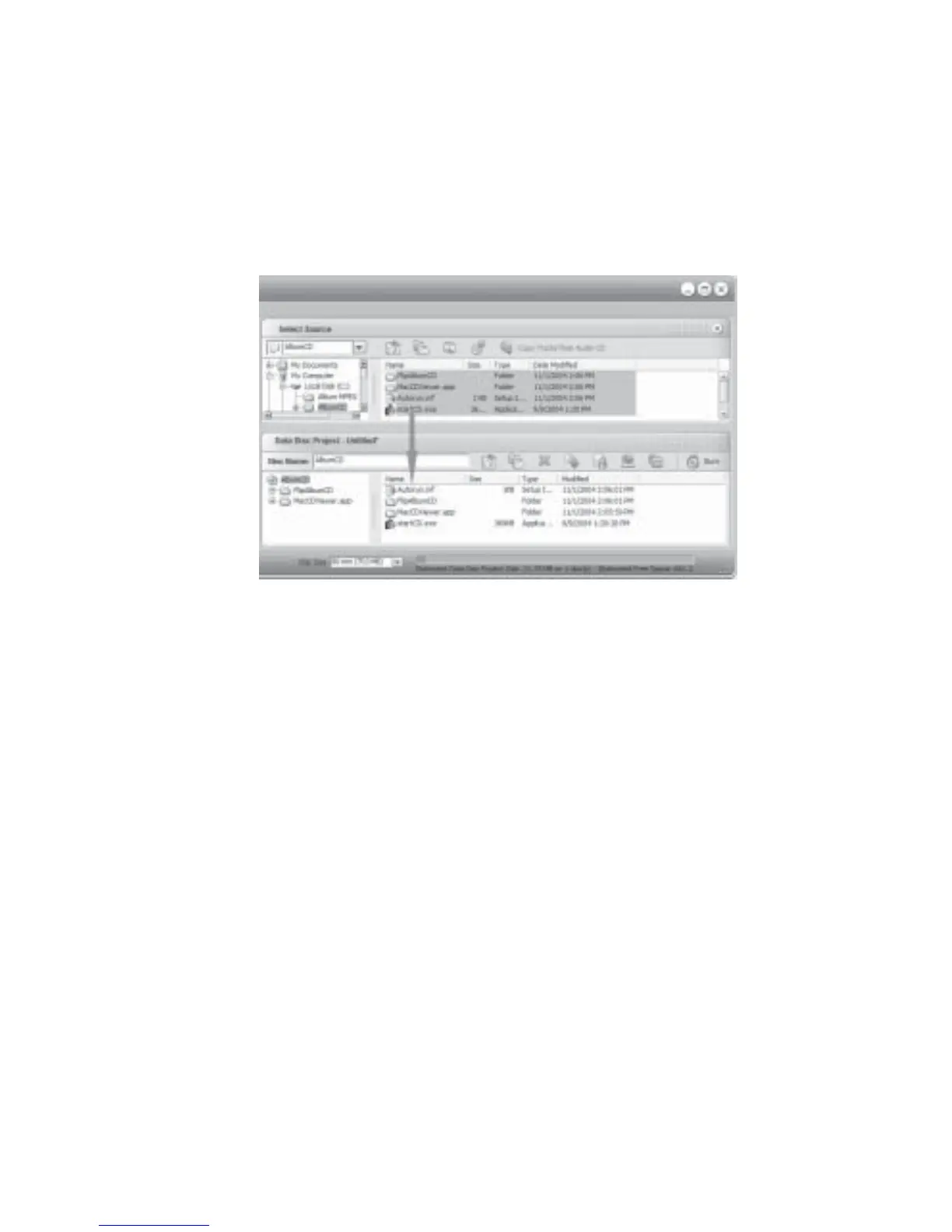
4. Click Edit and click Select All to highlight the 2 folders and 2 files.
5. Drag and drop the folders and files to the Data Disk Project pane (Fig 7.7.8).
6. Click File and click Burn.
7. The Roxio Creator Classic - Burn Progress dialog box will be displayed. Click Burn to start
writing.
Fig 7.7.8 Roxio Easy Media Creator Dialog Box
Nero 6
1. Launch Nero 6. The New Compilation dialog box will be displayed.
2. Click CD ROM (ISO) on the left hand pane.
3. Click New button.
4. Click Window on the menu bar and click Horizontal.
5. Navigate to the folder (eg C:\AlbumCD) you have exported your album to in the
Explorer pane.
6. Click Edit and click Select All to highlight the 2 folders and 2 files.
7. Drag and drop the folders and files to the ISO1 Explorer pane (Fig 7.7.9).
8. Click File and click Write CD. The Write CD dialog box will be displayed.
9. Click the Write button to start.



 To Next Page