FlipAlbum
®
6 43
4.2.3 Reorganizing the Album using Thumbnails
Album pages can be arranged in any order you want by clicking and dragging the thumbnails
to the relevant positions.
1. Click FlipTo.
2. Click Overview.
3. Click and drag a thumbnail image to a new location.
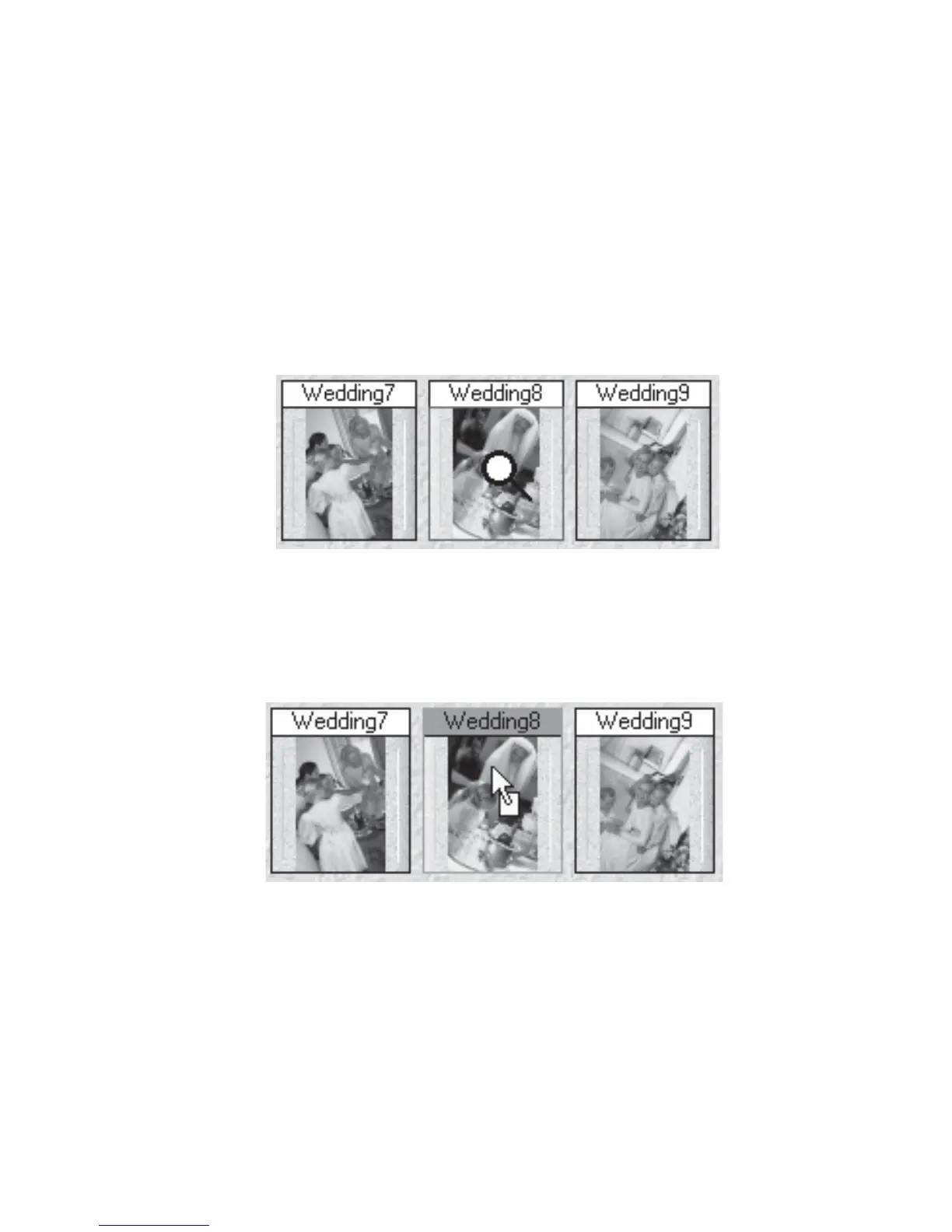
Figure 4.2.1 Mouse Pointer Above Thumbnail Image
Mouse pointer changes to a magnifying glass when it is moved over the thumbnail image.
Figure 4.2.2 Holding Down Left Mouse Button on Thumbnail



 To Next Page