108
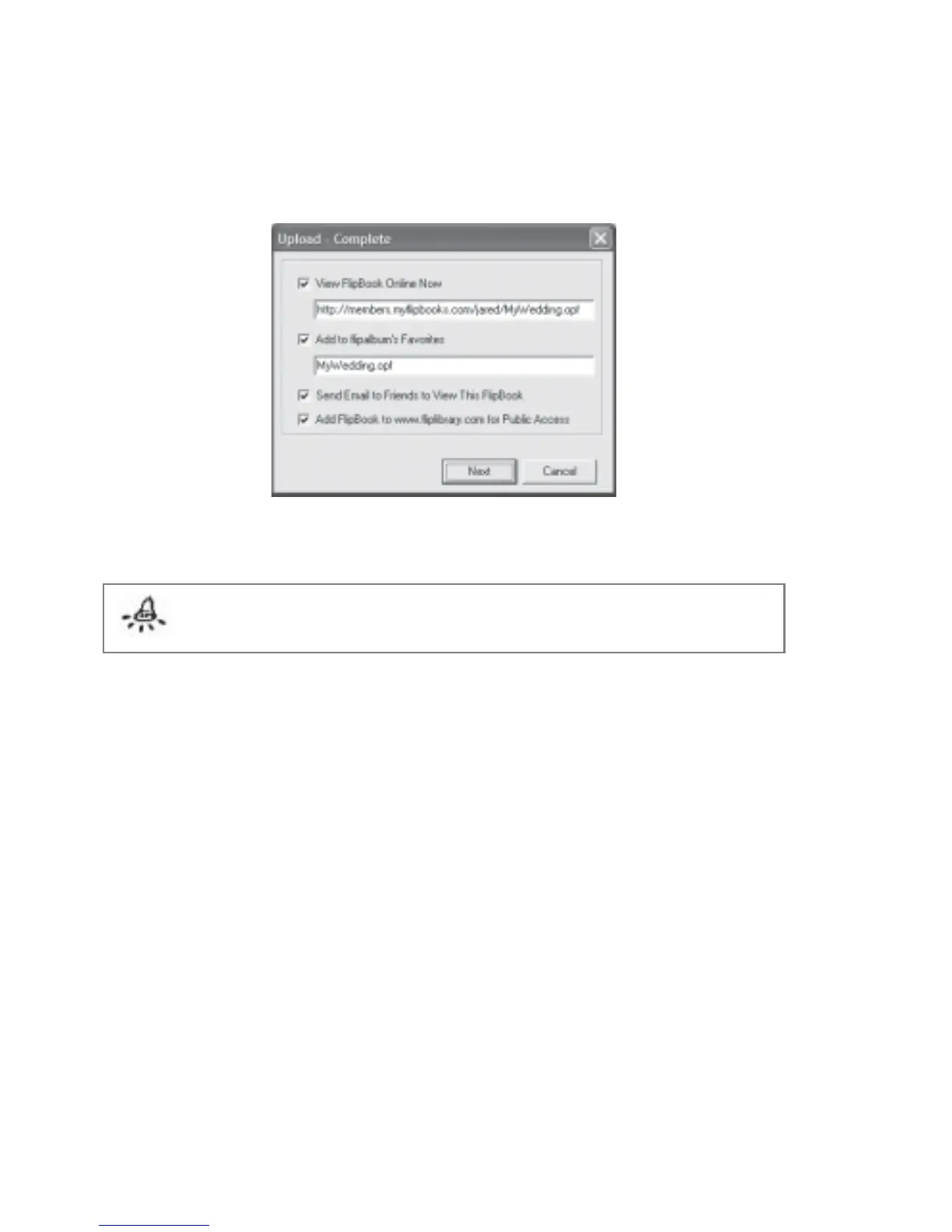
After uploading, you will be asked to view your uploaded book, email to your friends, add
your online book to favorite and add your book to FlipLibrary (Fig 7.6.6). Tick the desired
check boxes and click Next.
Fig 7.6.6 Upload - Complete Dialog Box
Note: This section is applicable only to FlipAlbum
®
6 Suite and Pro users only
7.7 Export Album to CD
Albums can be exported onto a CD using the FlipAlbum
®
6 Suite/Pro. Anyone who receives
the FlipAlbum
®
CD can simply pop it into the CD-ROM drive and view it instantly without
downloading or installing any software.
To export the current Album onto a CD (Single Album on CD):
1. Open an album you want to export onto a CD.
2. Click CD Maker on the menu bar and click Create Album CD.
3. The Create Album CD dialog box will be displayed (Fig 7.7.1).



 To Next Page