FlipAlbum
®
6 109
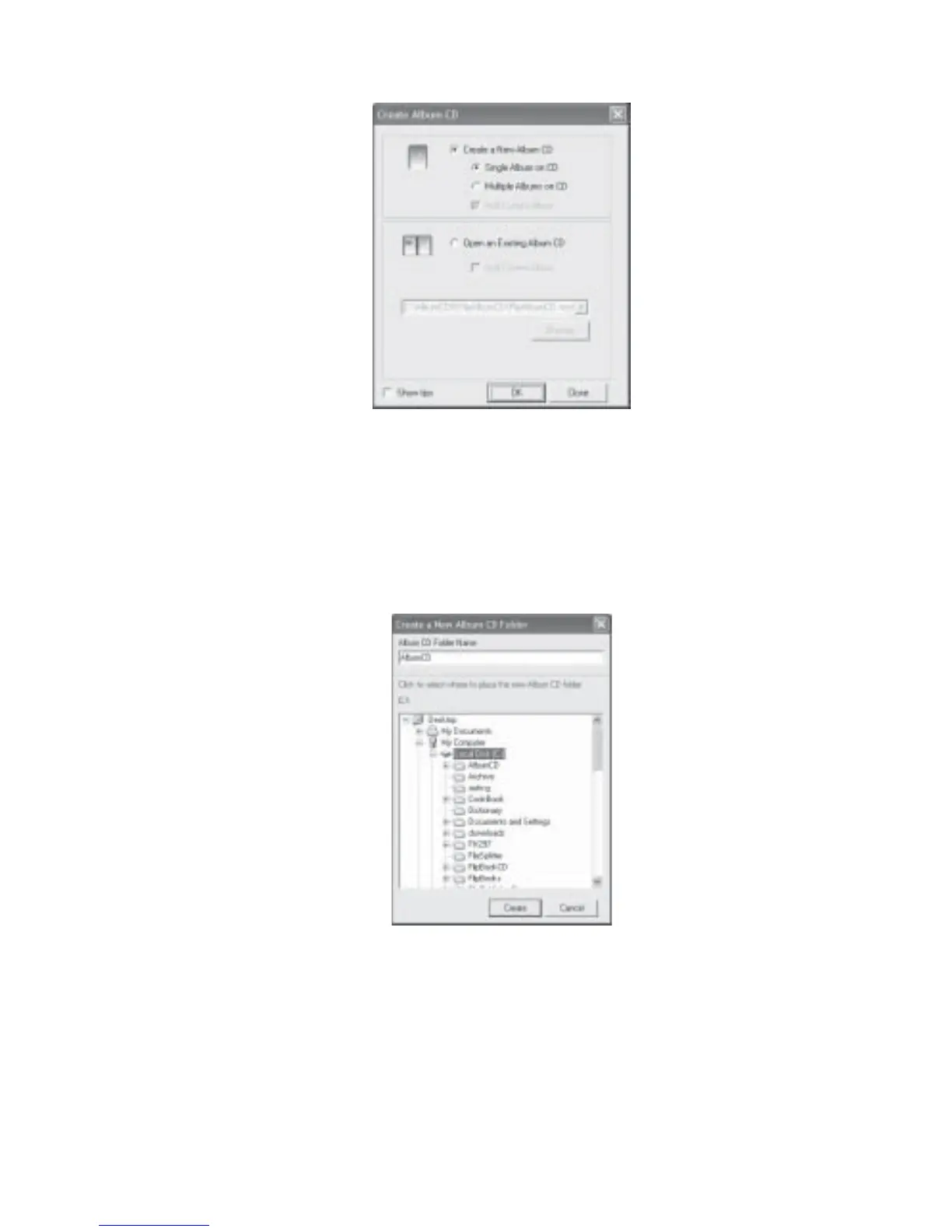
Fig 7.7.1 Create Album CD Dialog Box
4. Select Create a new Album CD radio button and select Single Album on CD. Click
OK.
5. The Create a new CD Folder dialog box will be displayed (Fig 7.7.2). You need to create
a folder to contain all the relevant files to be burned onto the CD.
Fig 7.7.2 Create a new folder Dialog Box
6. Navigate to the desired location (Eg C:\) and type in the new folder name
(eg. AlbumCD).
7. Click Create. Your folder will be created and your album will be exported to the folder
you have just created (eg C:\AlbumCD).
8. The Album CD Options Menu dialog box will be displayed (Fig 7.7.3).



 To Next Page