FlipAlbum
®
6 63
4.14 Printing
To print one page:
1. Turn to the page you want to print.
2. Click File on the menu bar.
3. Click Print and select Left Page, or Right Page or All Pages.
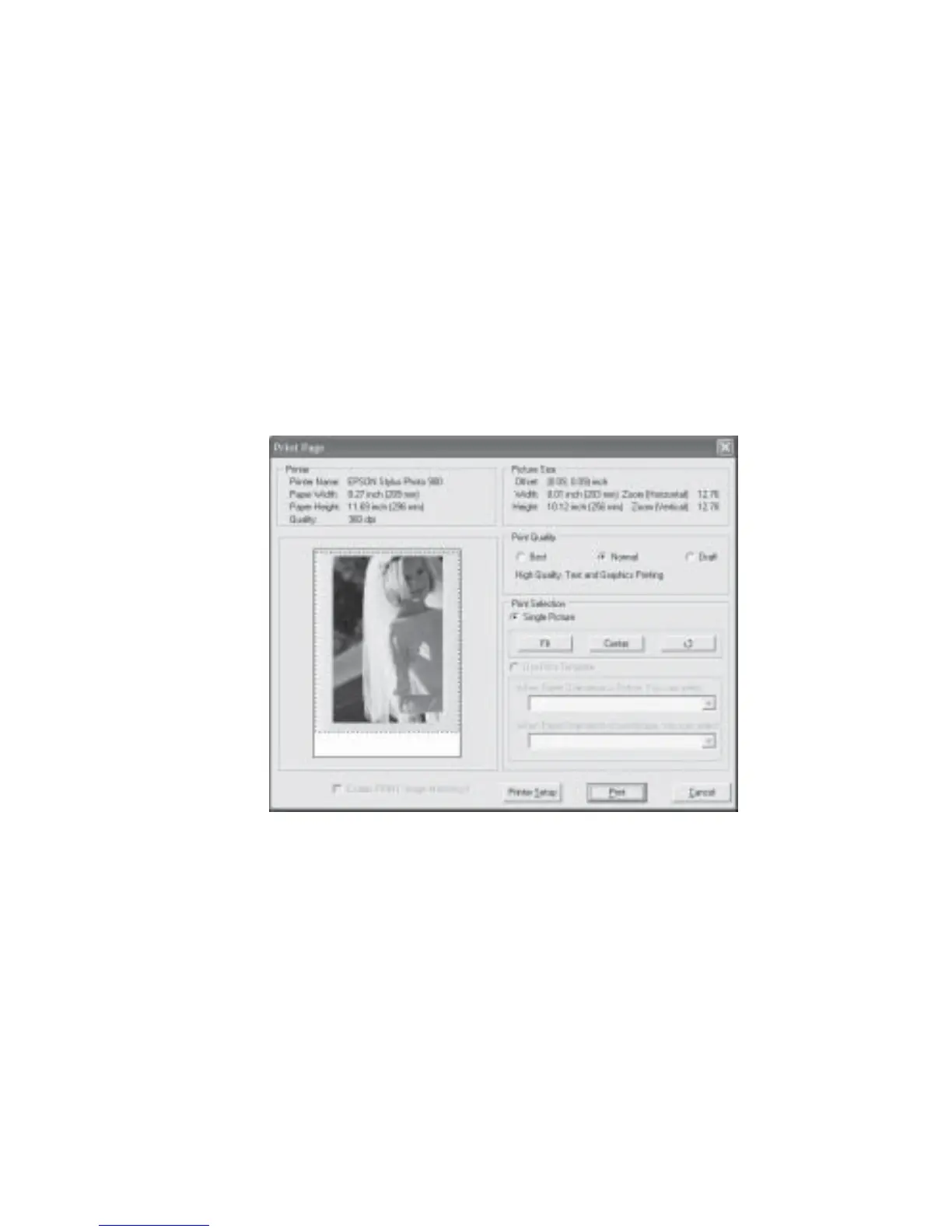
4. A Print Page dialog box will be displayed (Fig 4.14.1 and Fig 4.14.2). The box displayed
will depend on whether you selected Left Page/Right Page or All Pages.
5. Click OK to print or click Printer Setup to change printer settings.
Fig 4.14.1 Print Page Dialog Box for Left Page or Right Page



 To Next Page