64
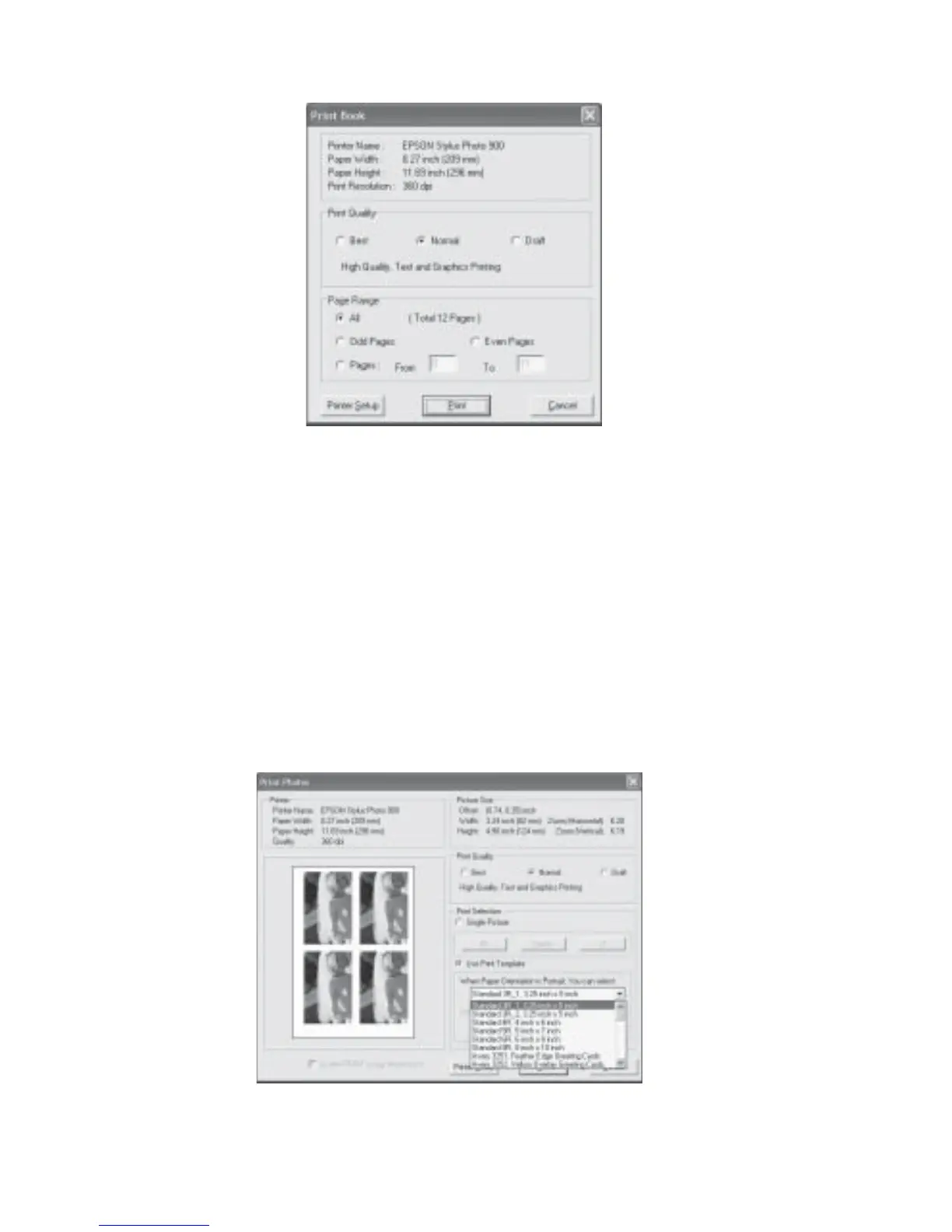
Fig 4.14.2 Print All Pages Dialog Box
To print an image on a single page:
1. Turn to the page you want to print.
2. Right click on the picture and select print. The Print Photos dialog box will be displayed
(Fig 4.13.3).
3. Under Print Selection, select Single Picture or Use Print Template.
4. If you want to print on a template, click on the drop-down list and select the desired
template. The type of template you can select depends on whether your printer paper
orientation setup is in portrait or landscape.
5. Click Print.
Fig 4.14.3 Print Photos Dialog Box



 To Next Page