14
2.2 Installation
1. Insert the FlipAlbum
®
installation CD in your CD-ROM drive.
2. If you do not see an installation screen shortly, click Start, then Run and Browse.
3. Go to your CD-ROM drive, browse to the relevant product folder (FA6ProFiles,
FA6SuiteFiles, FA6StdFiles) and select setup.exe.
4. Click Open.
5. Click OK in the Run dialog box.
6. Follow the on-screen instructions to complete the installation (accept default).
2.3 Overview
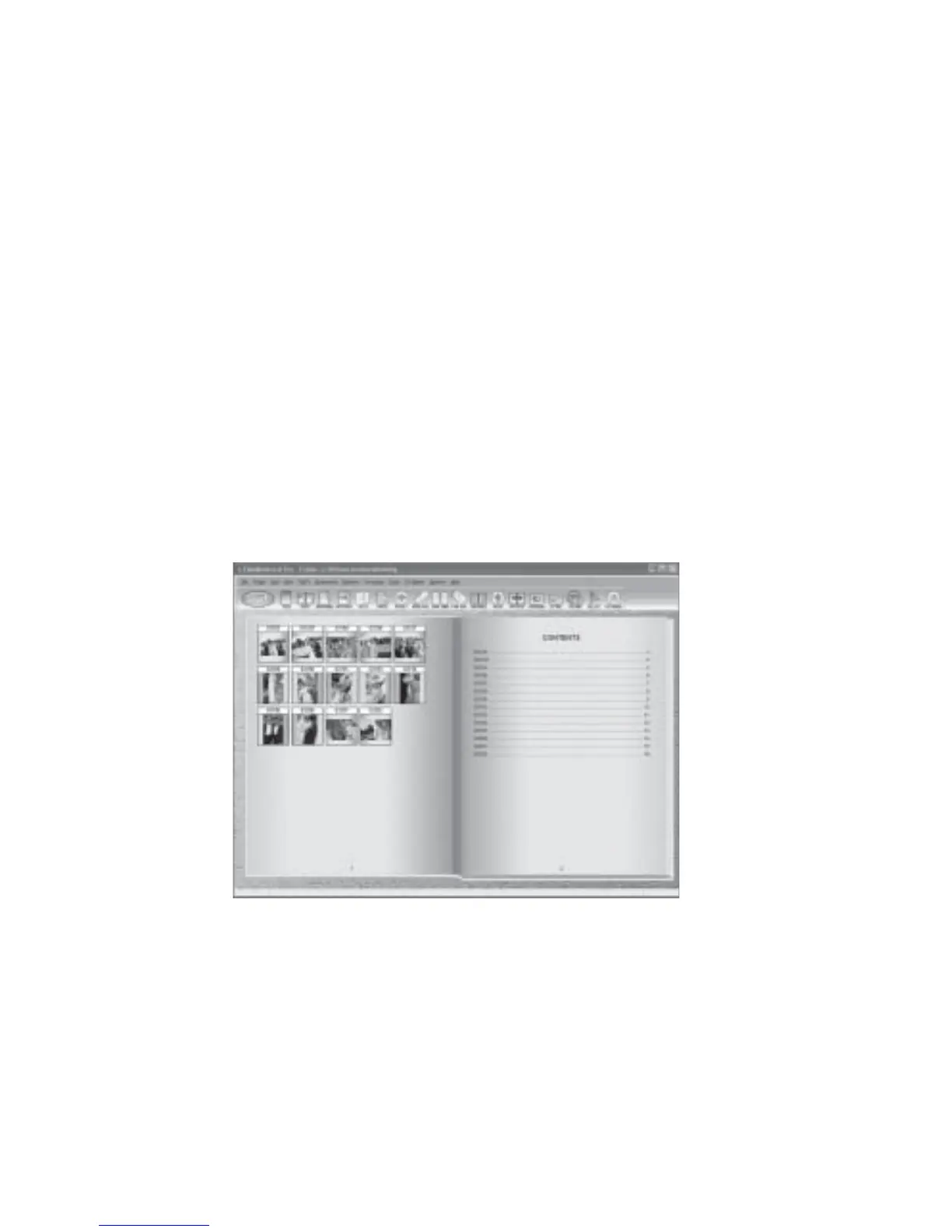
Please read this user guide carefully before you start using the software. Figure 2.3.1 shows
the basic components of FlipAlbum
®
.
Figure 2.3.1 The Basic Components of FlipAlbum
®



 To Next Page