FlipAlbum
®
6 101
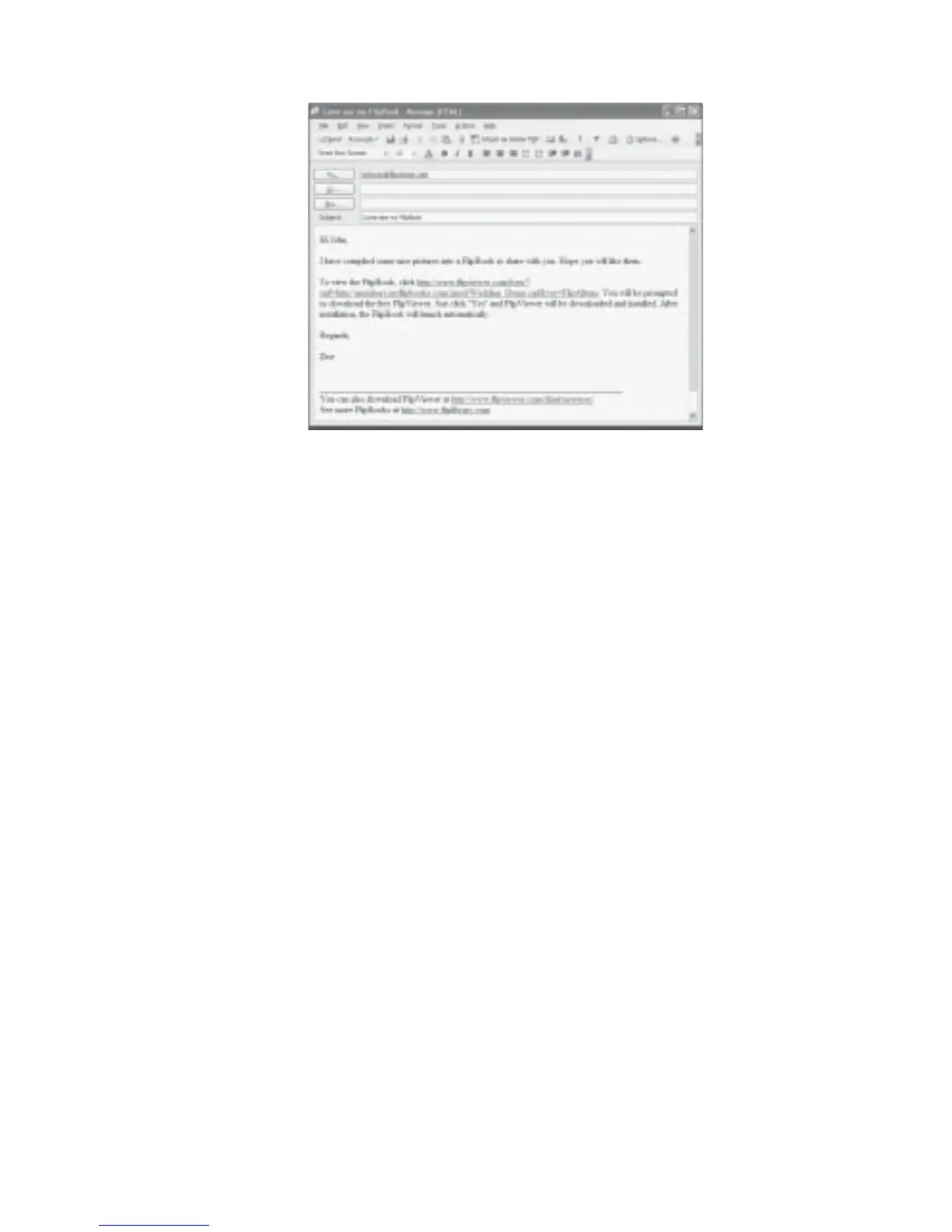
Fig 7.1.2 Send Email Example
7.2 Off-line Browsing
To download FlipBooks for off-line browsing:
1. Open the online FlipBook you want to download, e.g. www.fliplibrary.com/home.opf.
2. Click File on the menu bar.
3. Click Save As. The Save As dialog box will be displayed.
4. Navigate to the folder where you want to save your new book.
5. Enter a filename for your new book.
6. Select Book, Complete (*.opf file + contents) in the Save as type list box.
7. Click Save.



 To Next Page