FlipAlbum
®
6 19
2.5.1.1 Opening a Folder that has been opened before
If you use the Start Wizard to open a folder that has been opened before with FlipAlbum
®
,
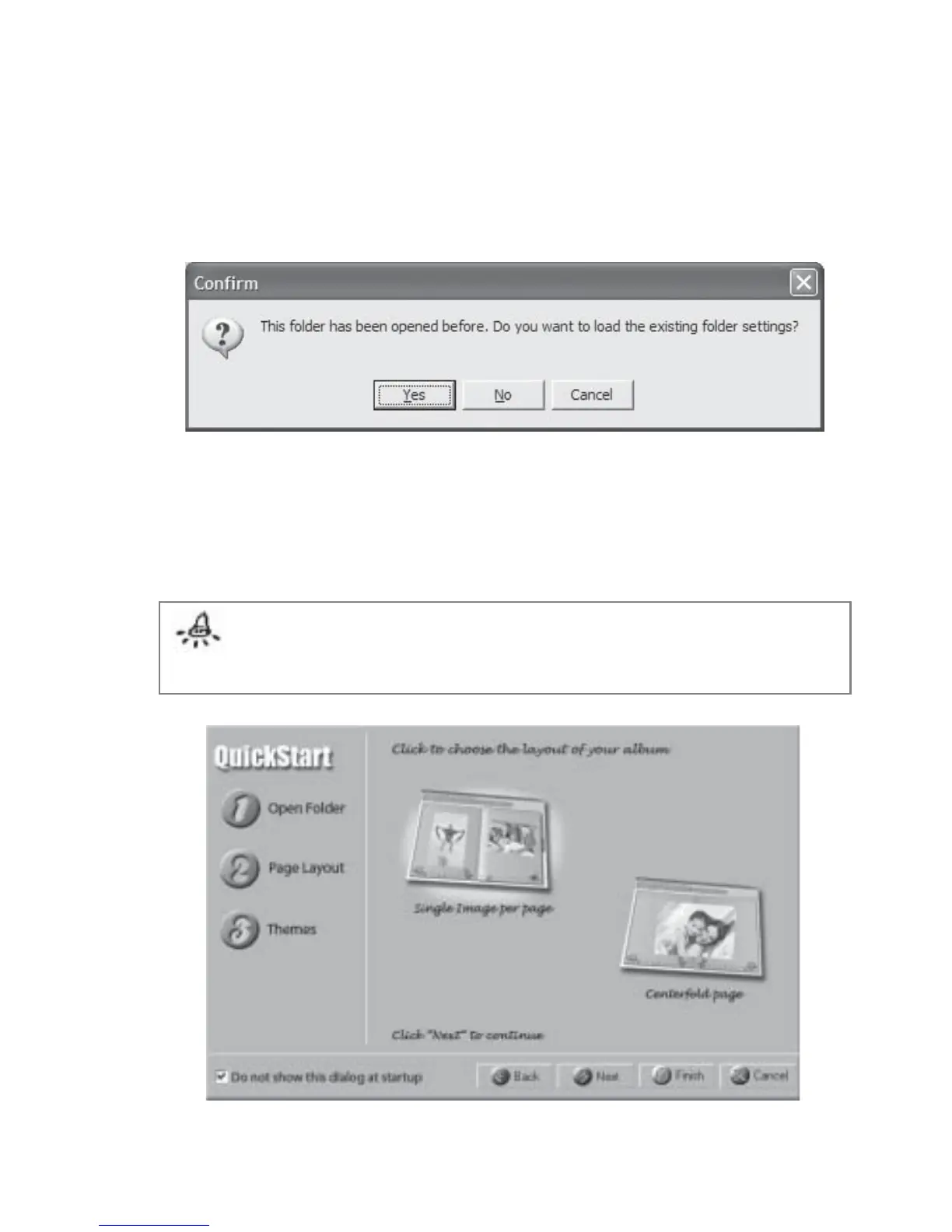
you will be prompted with Fig 2.5.1.1
Fig 2.5.1.1 Folder Opened Before Dialog
1. Click Yes to load the previously saved folder settings.
2. Click No to carry on with the Wizard with your new settings (layout and theme).
3. Click Cancel to reselect another folder.
Note: Step 2 Page Layout and Step 3 Themes are not mandatory steps in the Start
Wizard. You may click the Finish button once you have selected a folder in Step 1, in
which case, the album will be created with the default page layout (single image per
page) and without themes.
Fig 2.5.2 Start Wizard “Page Layout”



 To Next Page