44
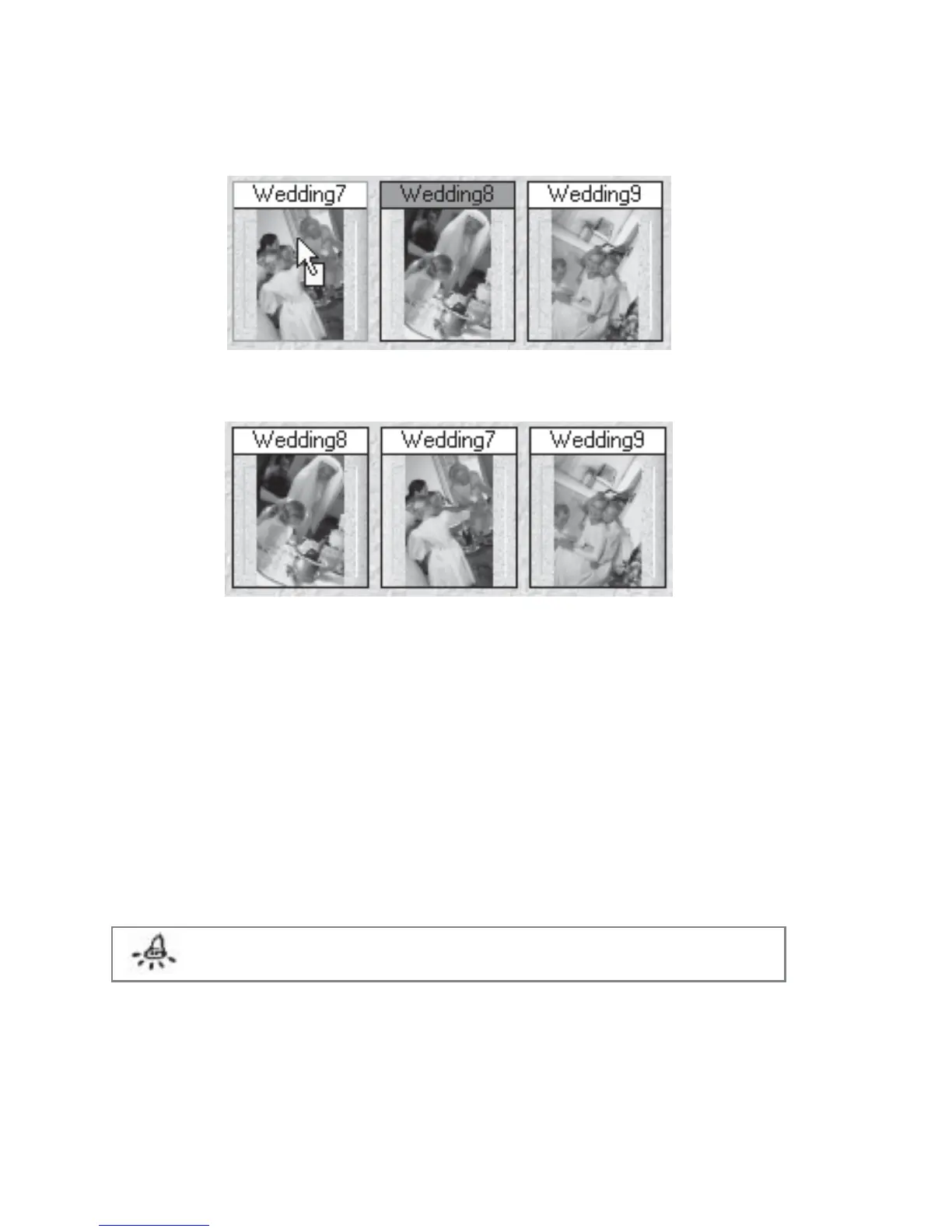
Holding the left mouse button down changes highlighted color of both thumbnail frame and
file name.
Figure 4.2.3.Dragging a Thumbnail to Highlight the New Location
Figure 4.2.4 Thumbnails that have been rearranged
Alternatively, you can perform the following steps:
1. Right click the thumbnail to be moved.
2. Click Cut Page from the displayed options. The filename of the thumbnail will be
highlighted.
3. Right click the thumbnail of the thumbnail before which the cut page is to be placed.
4. Click Paste from the displayed options.
Note: You may also perform the reordering operation on multiple selected thumbnails.



 To Next Page