FlipAlbum
®
6 117
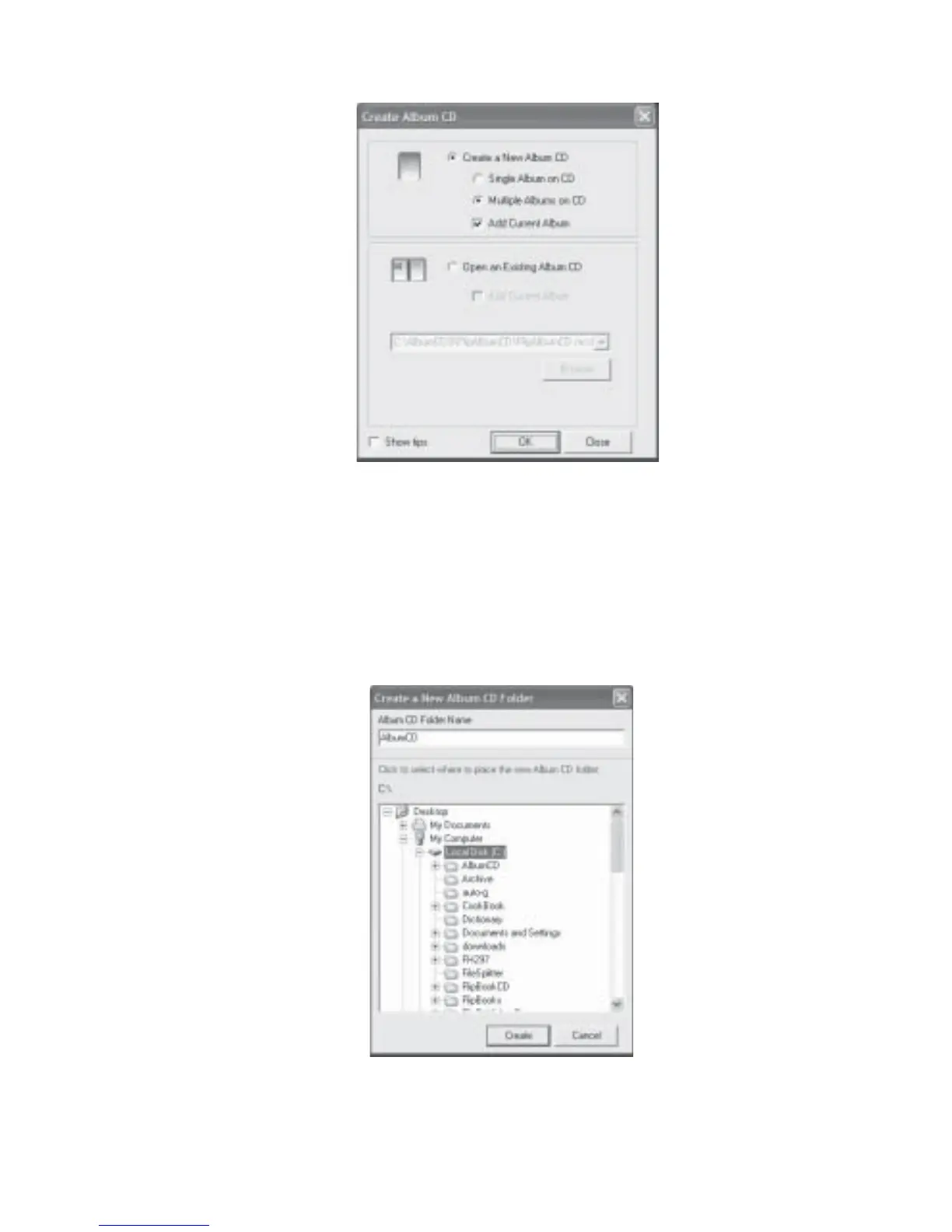
Fig 7.8.1 Create Album CD Dialog Box
3. Select Create a new Album CD radio button and select Multiple Albums on CD. If you
do not want to add the current opened album as one of the albums to be exported onto
the CD, uncheck the Add Current Album check box. Click OK.
4. The Create a new CD Folder dialog box will be displayed (Fig 7.8.2). You need to create a
folder to contain all the relevant files to be burned onto the CD.
Fig 7.8.2 Create a new CD Folder Dialog Box



 To Next Page