96
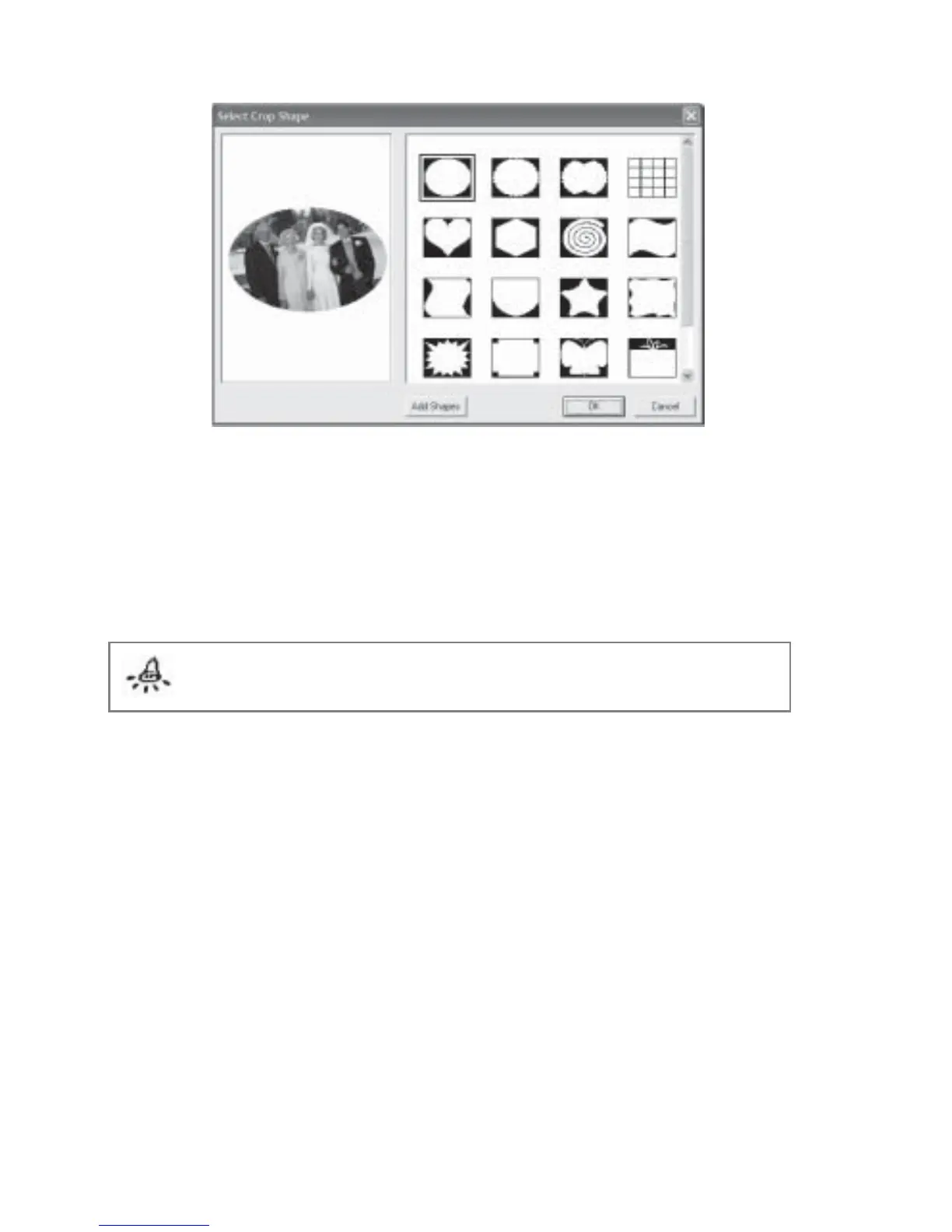
Fig 6.12.3 Crop Picture Dialog Box
To remove a cropping shape:
1. Right click on the picture and select Effects.
2. Click Remove Crop Effect.
Note: This cropping effect does not affect your original image.
You can also create your own crop shape and add it to the program.
1. Use any 3rd party program to create your crop shape and save it in the .EMF format.
Be sure to save it in 2-bit color (black and white).
2. Click the Add Shapes button.
3. Navigate to the folder containing your desired crop shape, select it and click the Open
button. Your shape will be added to the existing shapes.


 To Next Page
 Loading...