106
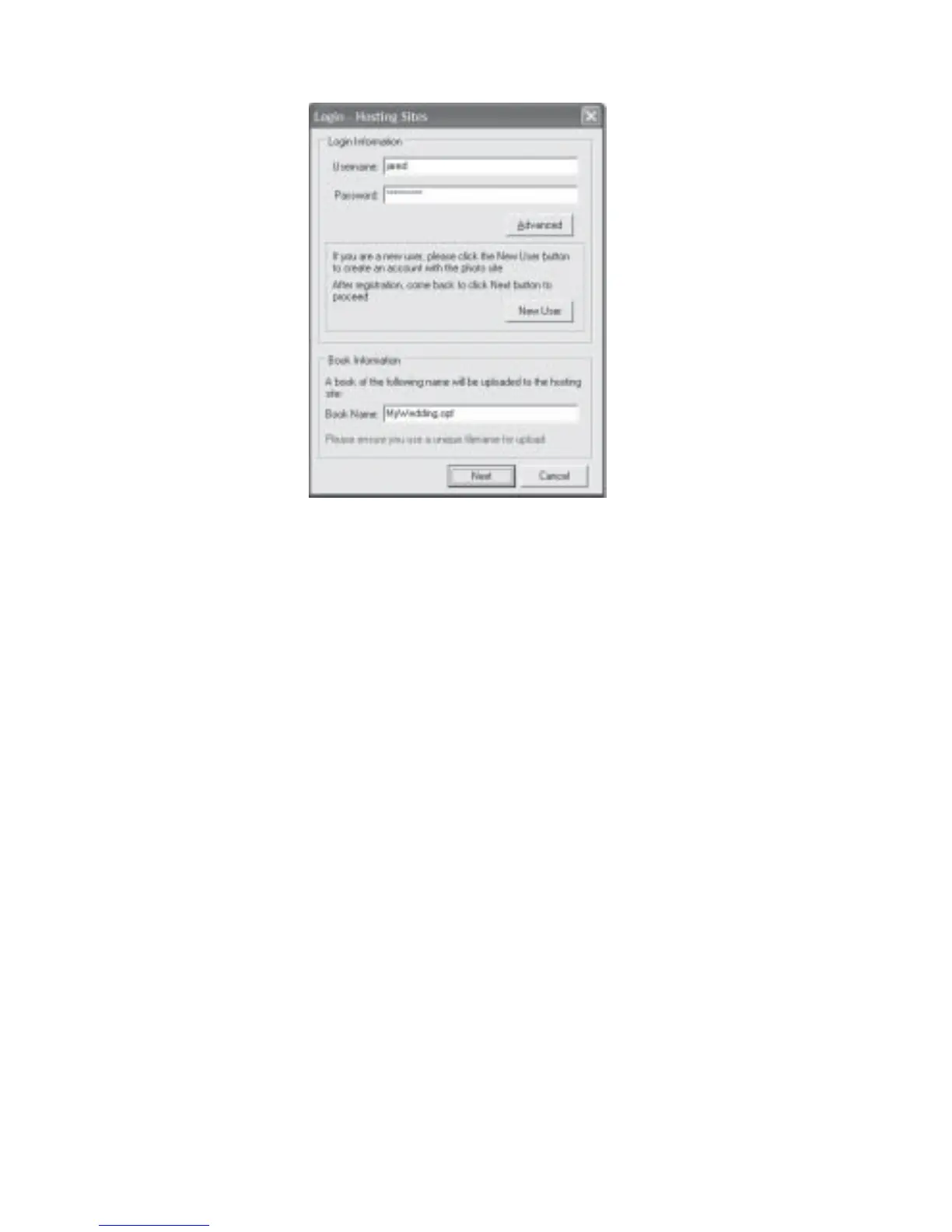
Figure 7.6.3 Login - Other FTP Sites Dialog Box
Optimization of Files for Upload:
If the files used in your album are of reasonably large sizes, you may want to optimize them
for faster uploading and easier viewing.
1. At Fig 7.6.1, click the Optimization button. Fig 7.6.4 will be displayed.
2. To resize the images, select any of the Small, Medium or Large radio buttons.


 To Next Page
 Loading...