120
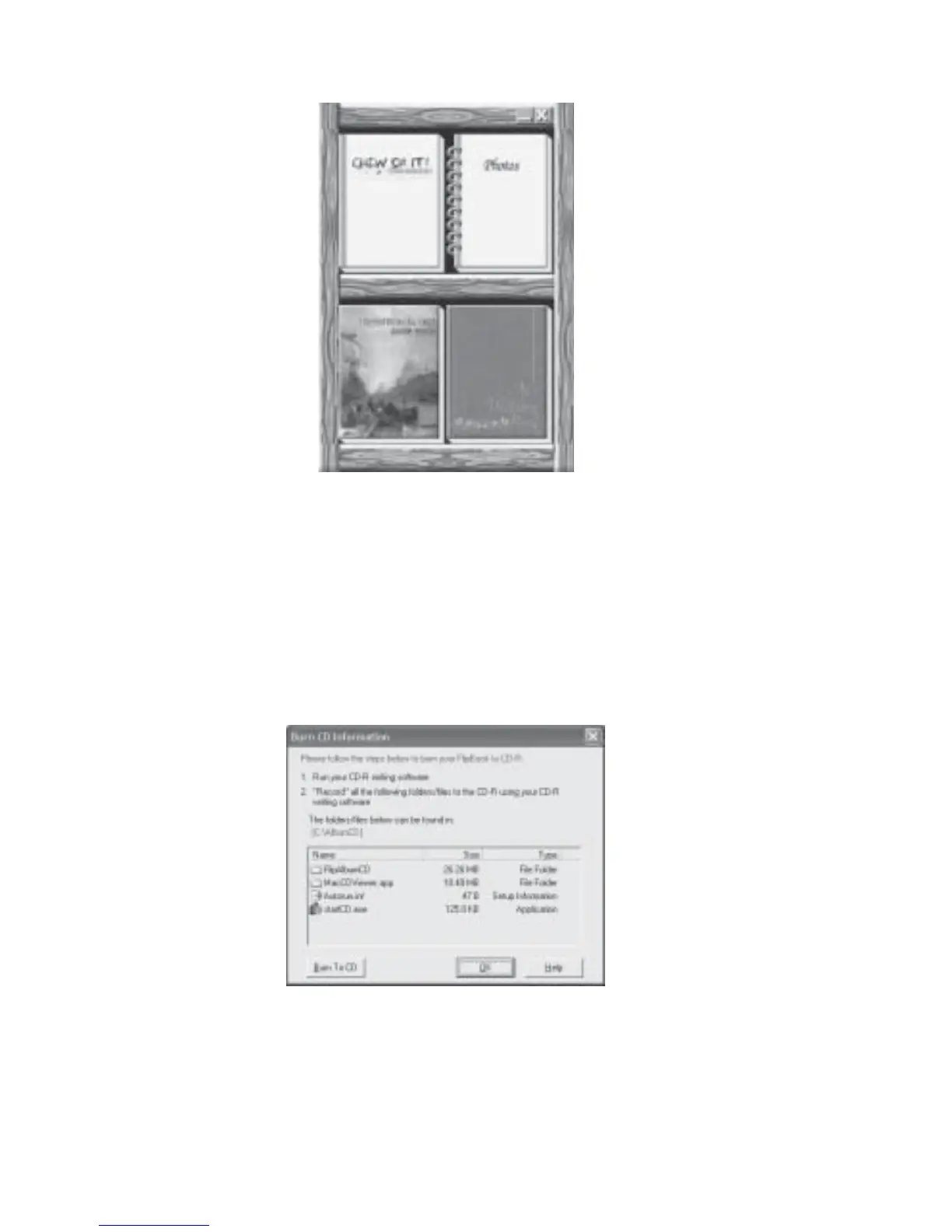
Fig 7.8.5 Book Shelf Preview
21. To preview each album, double click on the album and it will launch itself.
22. Once your have completed your preview, click X to exit. You are now ready to export
your albums onto the CD.
23. Launch your CD writing software.
24. Navigate to the folder that you created earlier (eg C:\AlbumCD)
25. Follow the instructions as shown in Fig 7.8.6. These instructions can be obtained by
clicking the Burn CD icon.
Fig 7.8.6 Burn CD Information Dialog Box



 To Next Page