152
5. Navigate to the directory where you have stored your audio files
(MP3, WAV, or MID formats).
6. Select the audio file(s) you want and click Open.
7. Click OK in the Audio tab to apply the change.
To enable the page flipping sound:
1. Check the Enable check box under Flipping Sound.
2. Click OK in the Audio tab to apply the change.
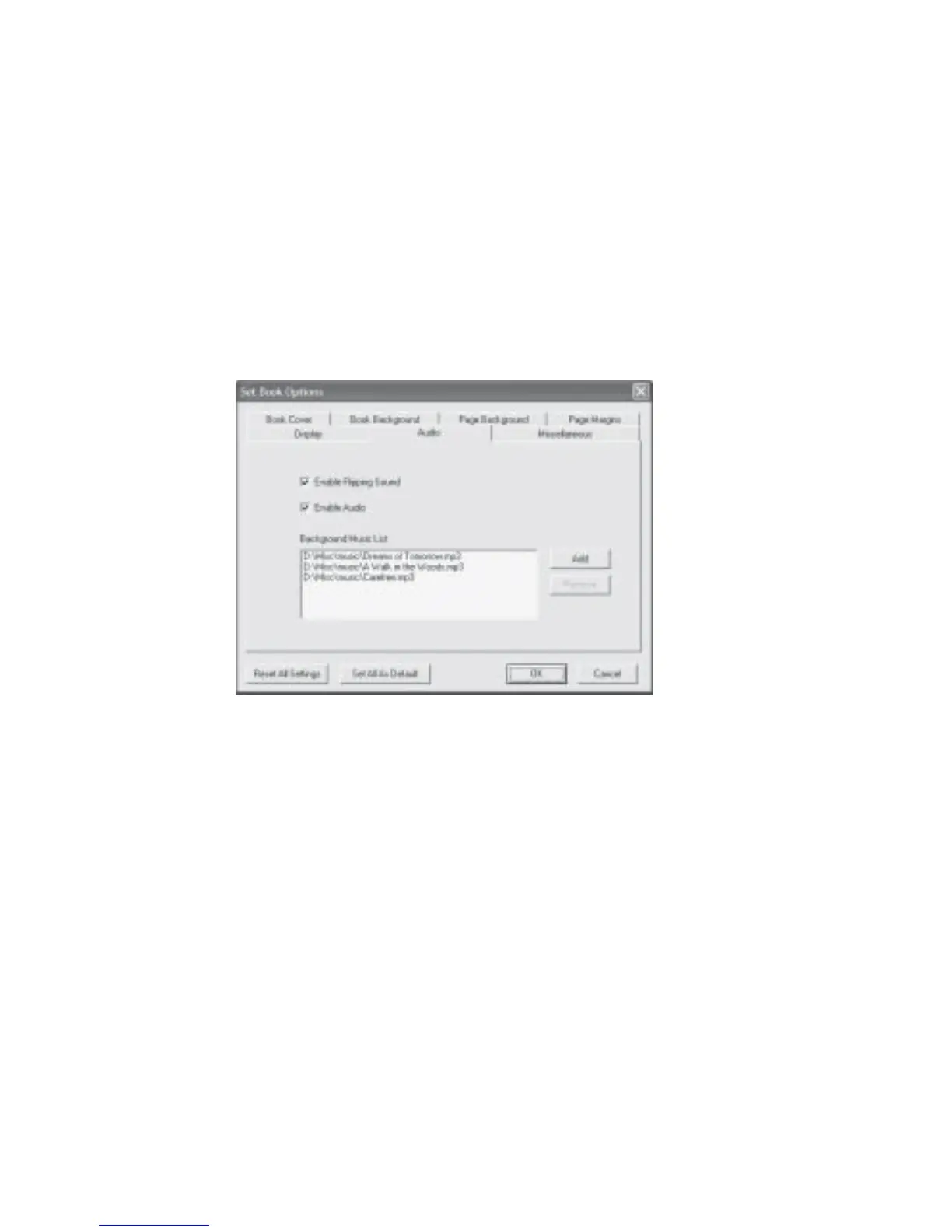
Fig 8.2.7 Set Book Options Audio Dialog Box
To change the audio options for a page using the right mouse button:
1. Flip to the page that you want to set the audio options.
2. Click the right button of your mouse and click Page Properties....
3. At the Set Page Audio section click the Browse button. The Open dialog box will be
displayed.
4. Navigate to the directory where you have stored your audio files
(MP3, WAV, or MID formats).
5. Select the audio file you want and click Open to apply the change.



 To Next Page