26
To save your current book as a new album:
1. Click File on the menu bar.
2. Click Save As.
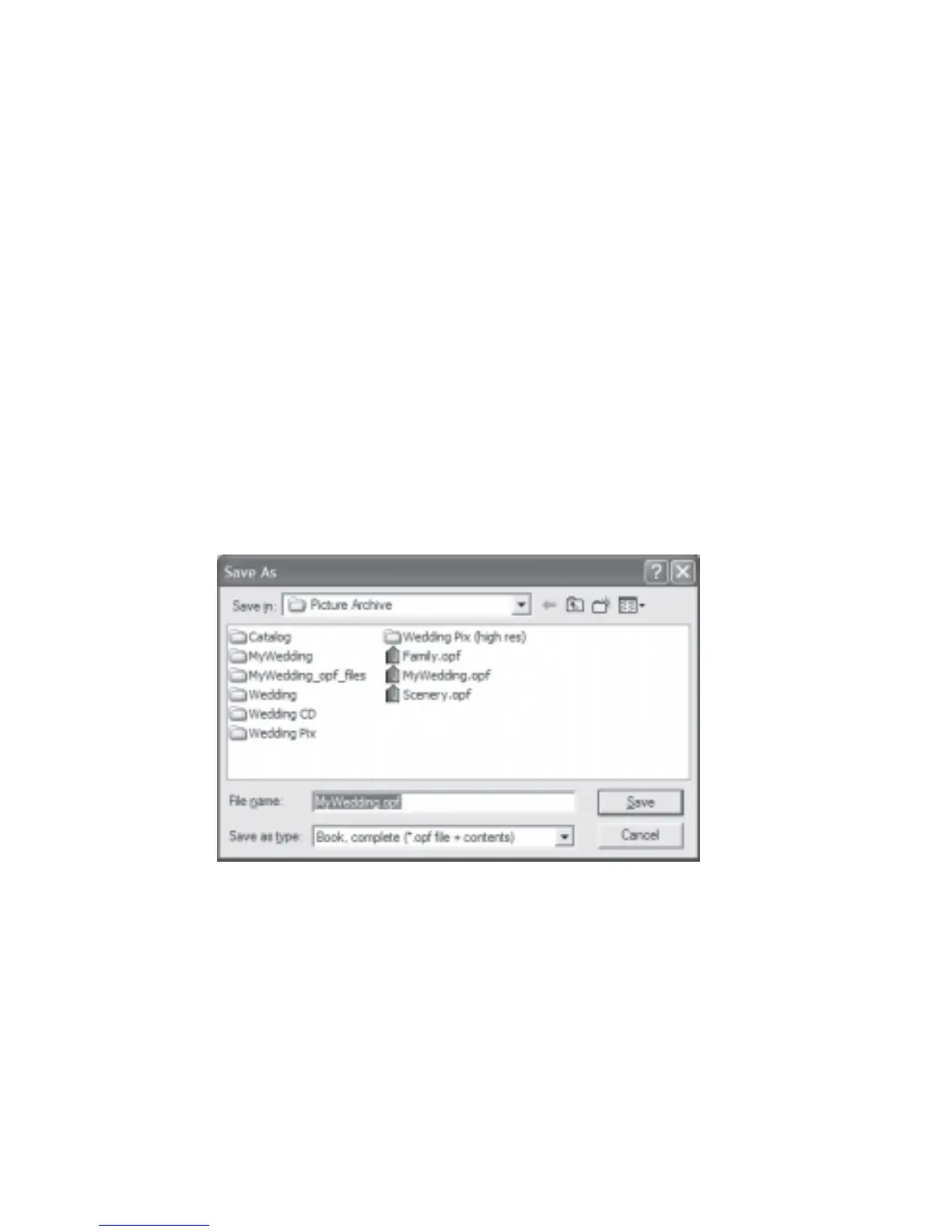
3. The Save As dialog box will be displayed (Fig 3.1.1).
4. Navigate to the directory where you want to save your new album.
5. Enter a filename for your new album.
6. Click Save.
*Two options for saving:
The Save As Dialog shows two options in the Save as type drop down list.
Book, links only (*.opf file) - save for local viewing (save links only).
Book, Complete (*.opf file + contents) - save for uploading to web sites or all related
files into a desired folder.
Fig 3.1.1 Save As Dialog Box
To create a new album:
1. Click File on the menu bar.
2. Click New Book. You will be prompted to specify a name for your new album.
3. To save the new album in a desired folder, click the Browse button.
4. Navigate to the desired folder and click Save. Click OK.
5. A new empty album is created for you on the screen.



 To Next Page