FlipAlbum
®
6 31
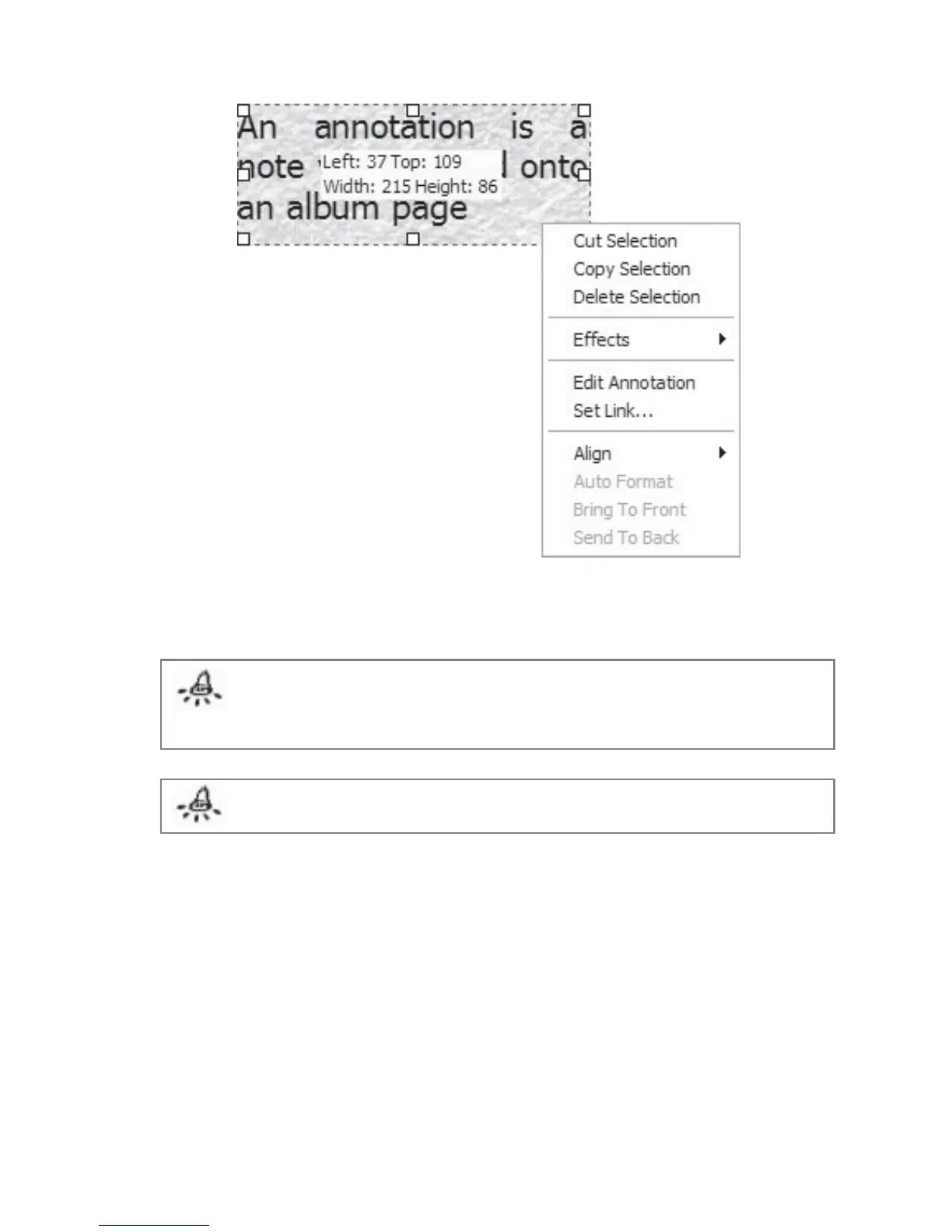
Fig 3.4.2 Annotation Context Menu
Note: If the select icon is enabled and you click on an image that has an annotation,
the annotation will disappear behind the image. To bring the annotation back to the
front, right click on the image and click Send to Back. The annotation will then
appear in front of the image again.
Note: You can also edit the annotation by double-clicking it.
Alignment of Annotation Box:
1. Right click on the annotation box and a context menu will be displayed (Fig 3.4.2).
2. Select Alignment and click either Left, Center, Right, Top, Middle or Bottom.



 To Next Page