52
Overview:
1. Click FlipTo on the menu bar.
2. Click Overview.
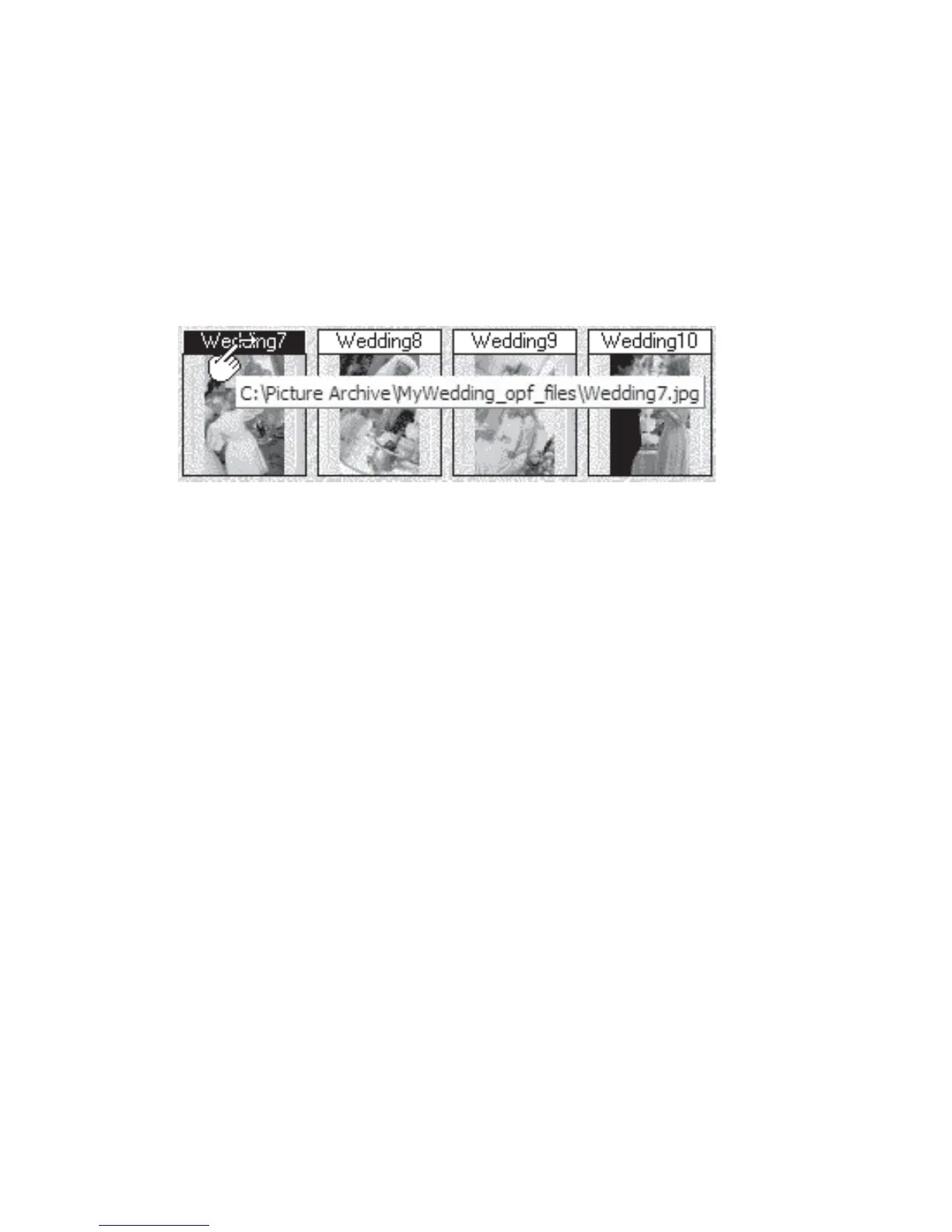
3. Click the file name of the thumbnail to flip to the desired page.(Fig 4.3.2) (Note: When
the cursor is above the file name, the background will be black and the cursor shape will
change to the shape of a hand.)
Figure 4.3.2 Selecting Thumbnail Title
Table of Contents:
1. Click FlipTo on the menu bar.
2. Click Contents.
3. Click the file name listed in the Table of Contents to flip to the desired page



 To Next Page