72
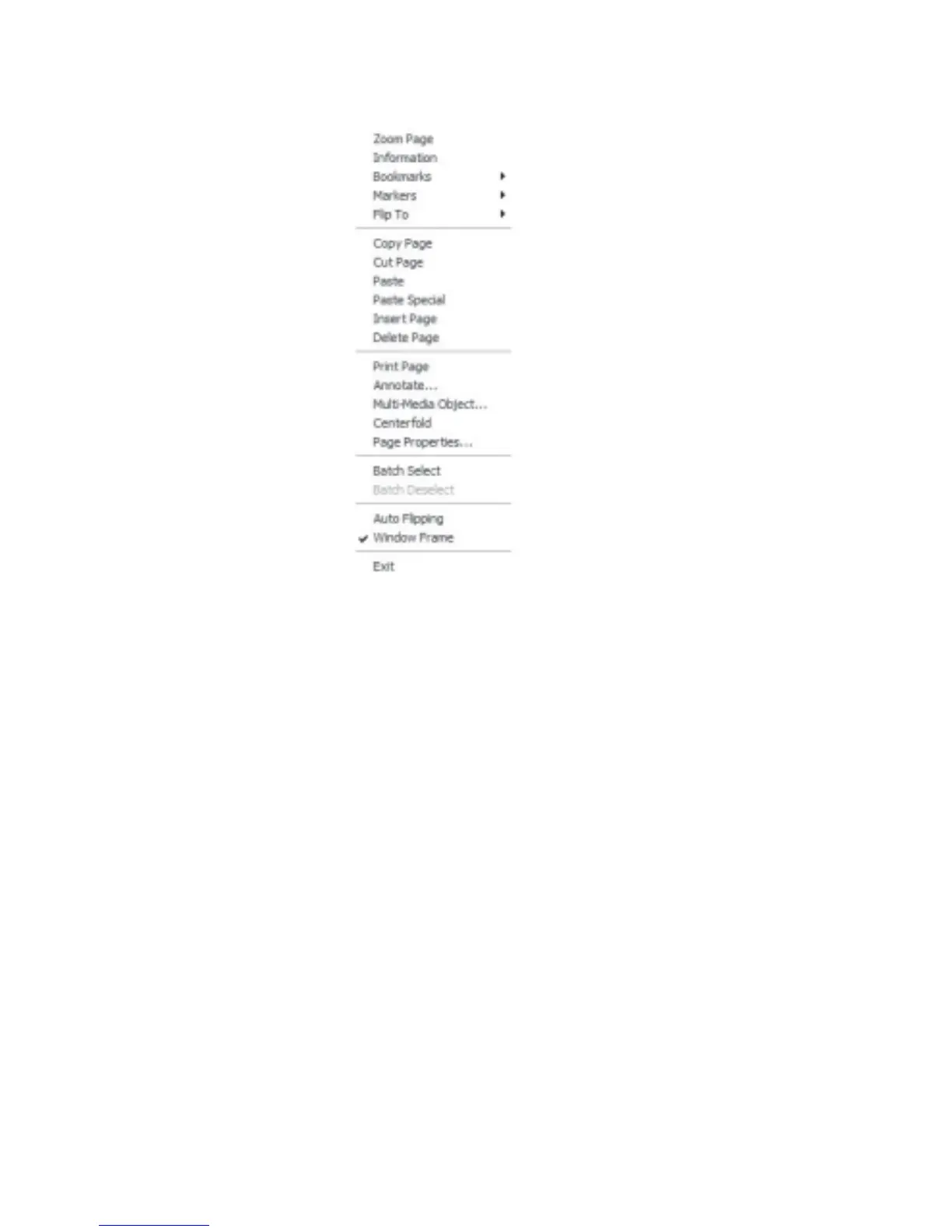
Right Click On Page:
Fig 6.1.2 Page Right Click Context Menu
Zoom Page: View a page in full screen mode
Information: Display information about the object of the current page
Bookmarks: Add or remove a bookmark
Markers: Add or remove a marker
FlipTo: Flip to the front or back cover, Overview, Contents, Index or first page
Cut Page: Move the current page to the clipboard
Copy Page: Copy the current page to the clipboard
Paste: Paste from the clipboard
Paste Special: Paste an object in a different file format that is supported by the clipboard
Insert Page: Insert a new blank page
Delete Page: Delete page from book
Print Page: Print the current page
Annotate: Annotate the current page
Multi-Media Object: Insert multi-media objects
Centerfold: Set the view of the current page from 2-page mode to centerfold mode



 To Next Page