74
Align: Align the annotation box relative to the page
Auto Format: Alignment and Size Change for multiple objects (disabled for single object)
Bring To Front: Bring the annotation to the front of an object
Send To Back: Send the annotation to the back of an object
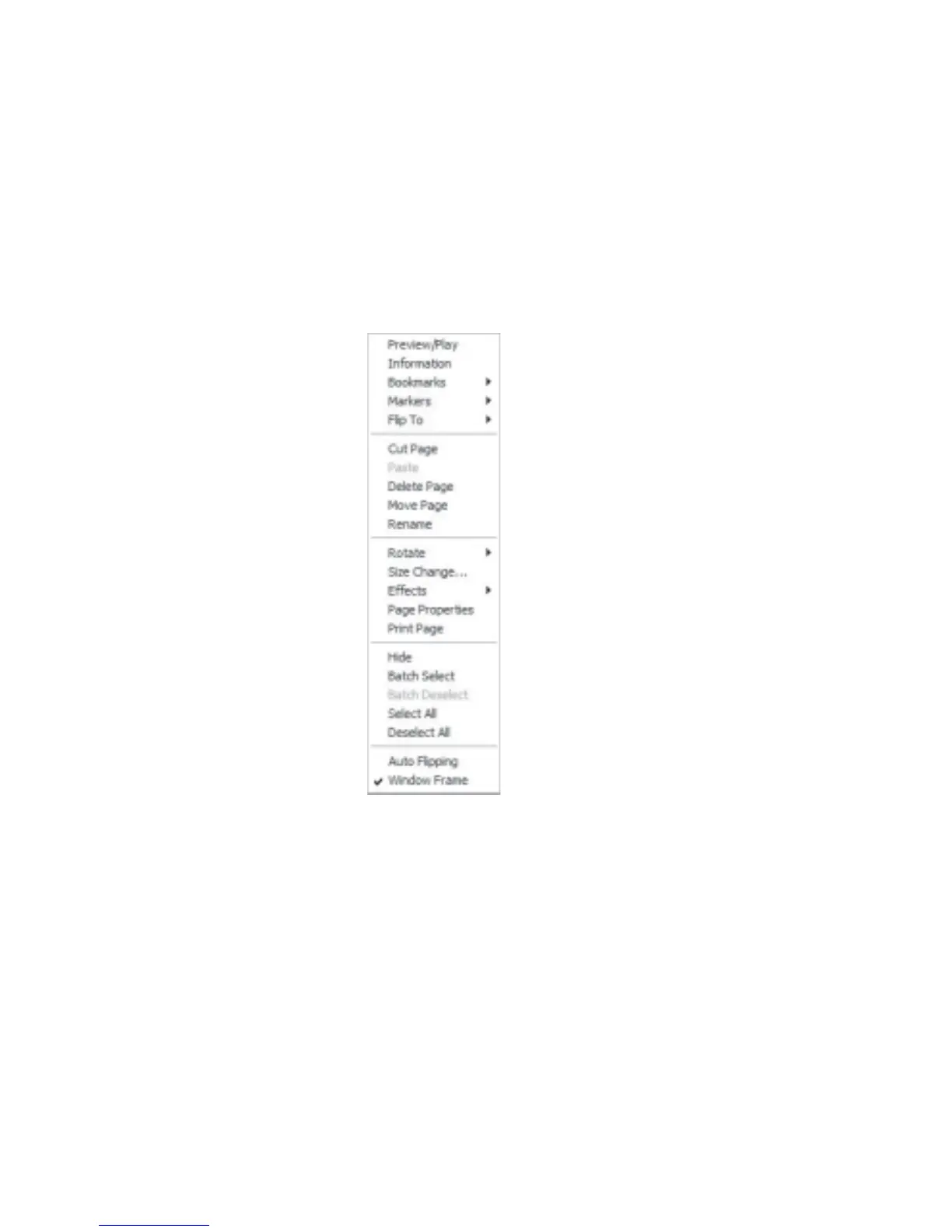
Right Click On Overview Thumbnails/Contents/Index:
Figure 6.1.4 Overview/Content Page/Index Right Click Context Menu
Preview/Play: View the page in full screen mode
Information: Display information about the object of the current page
Bookmarks: Add or remove a bookmark
Markers: Add or remove a marker
FlipTo: Flip to the front or back cover, Overview, Contents, Index or first page
Cut Page: Move the current page to the clipboard
Paste: Paste from the clipboard
Delete Page: Delete page from book



 To Next Page