EasyManua.ls Logo

FLOWBIRD CWT S5 - Product Description; CWT S5 System Overview

Default Icon
82 pages
Print Icon
To Next Page IconTo Next Page
To Previous Page IconTo Previous Page
Loading...
Page 13CWT S5 Installation & Maintenance ManualIssue 5
Product description
4 Product description
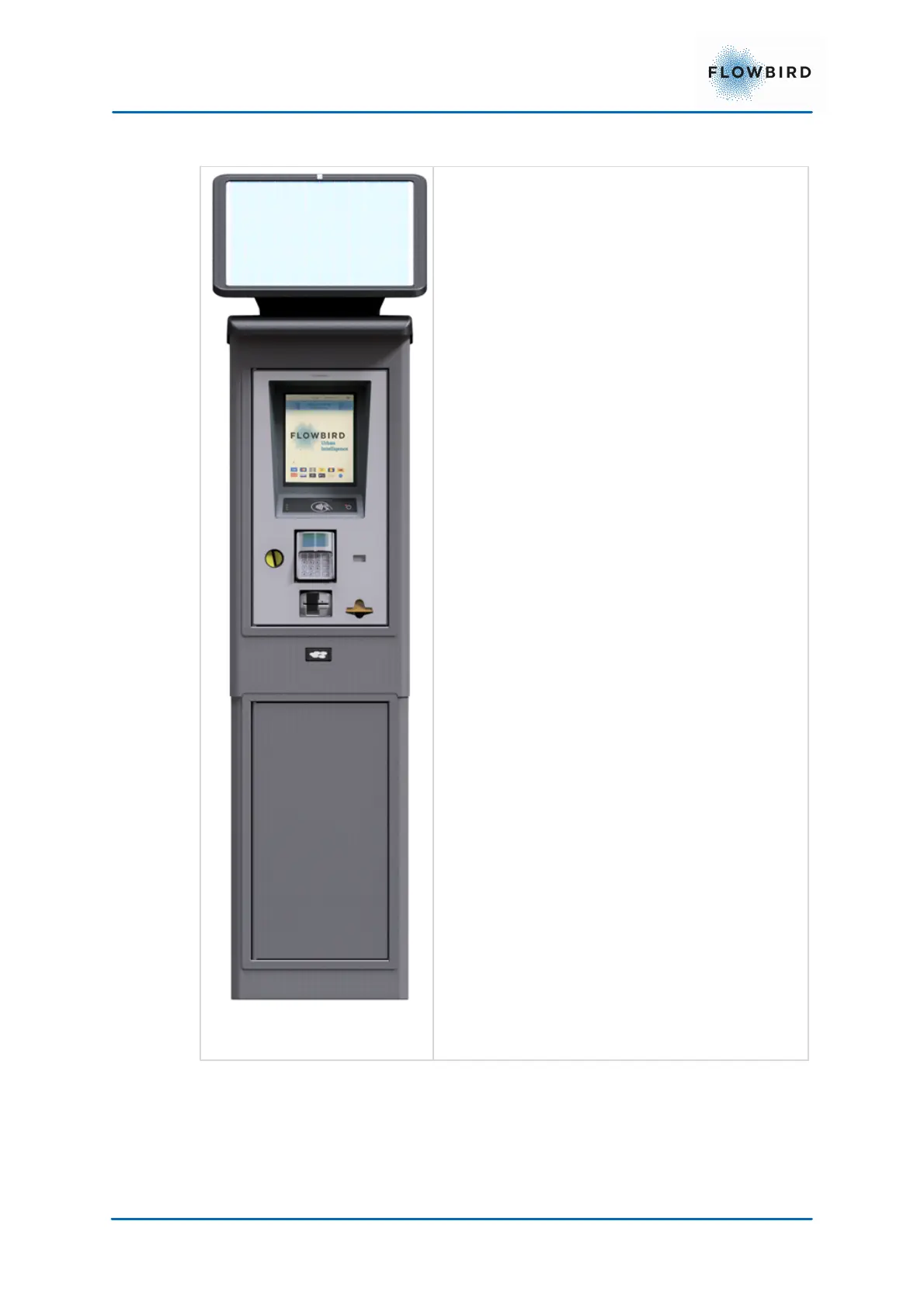
Figure 2, Compact S5 with Tophat
360
The CWT S5 system is equipped with a touch
enabled 768x1024 pixels colour display with
adjustable luminescence. The CWT S5 features
a wake-up button.
All buttons required for the user interaction are
part of the user interface design presented in the
display. Even a full alpha-numeric keyboard can,
for instance, be presented in the display.

Table of Contents