Page 56CWT S5 Installation & Maintenance ManualIssue 5
Installation
5.2.7
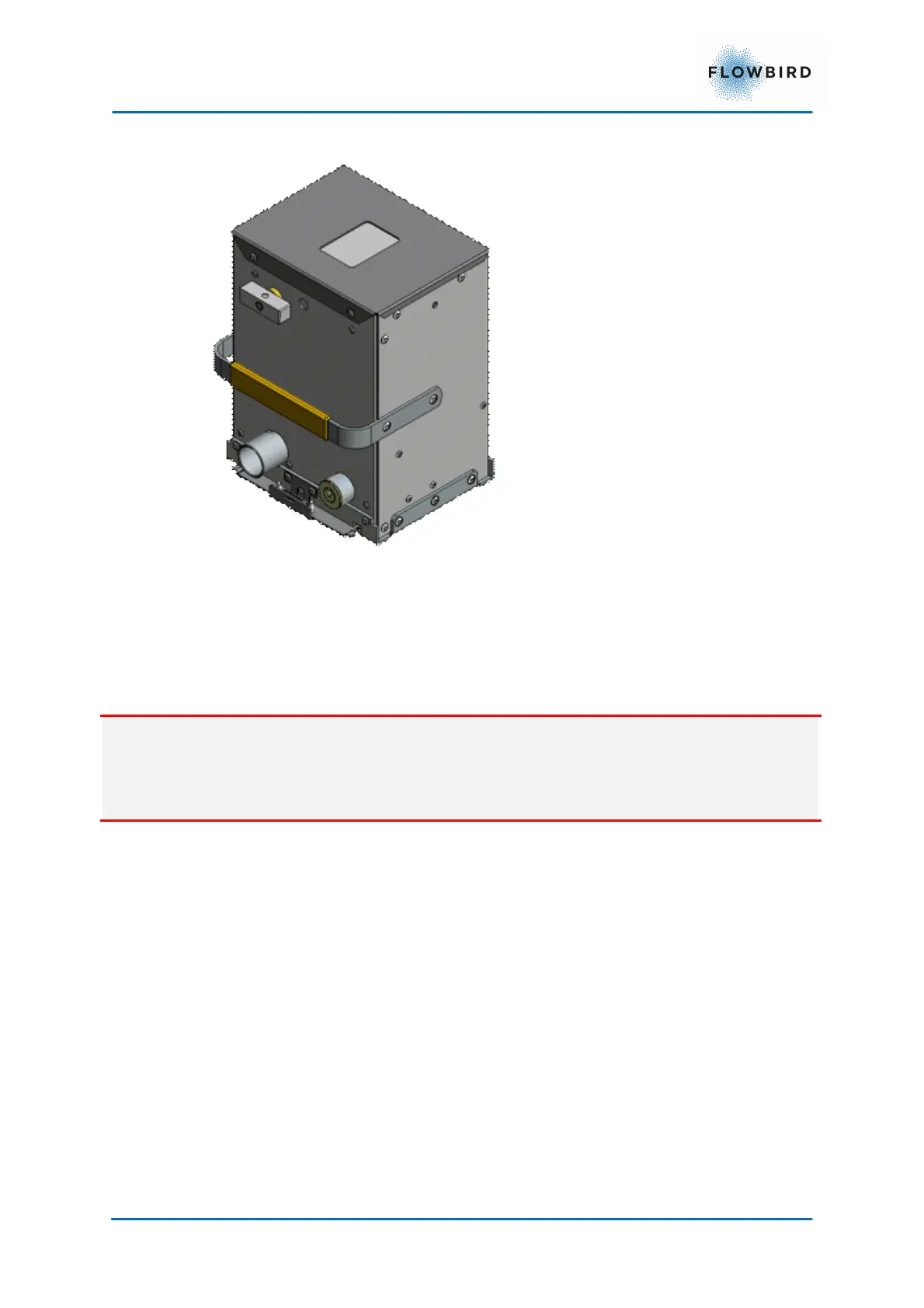
Installing the coin box
1. Open the vault door with the appropriate key.
2. Insert the coin box
3. Turn the opening knob a quarter turn counterclockwise into vertical position.
This will lock the box into position in the pedestal and open the collection
hatch on top of the box.
Important
if the knob is now returned to the horizontal position, the box must be emptied
before the knob can be returned to the correct position. The vault door cannot
be closed while the knob is in the horizontal position.
4. Close the vault door and lock it.
5.3 Program loading
Usually, a CWT S5 terminal comes complete with the appropriate application
software and settings.
The CWT application software itself is subject to continuous improvements
which means that all terminals that can run the CWT application will benefit from
being updated now and then.
It may also be necessary to update AVR firmware when the CWT application and
Operating System (OS) have been updated, see more in the CWT Software
Configuration Handbook.
Finally, it might be that the operating system (Windows EC7) needs to be
updated.



 To Next Page