Page 15CWT S5 Installation & Maintenance ManualIssue 5
Product description
When in sleep mode the display is dark. This button wakes the terminal and will
display the default panel.
4.2 Display unit
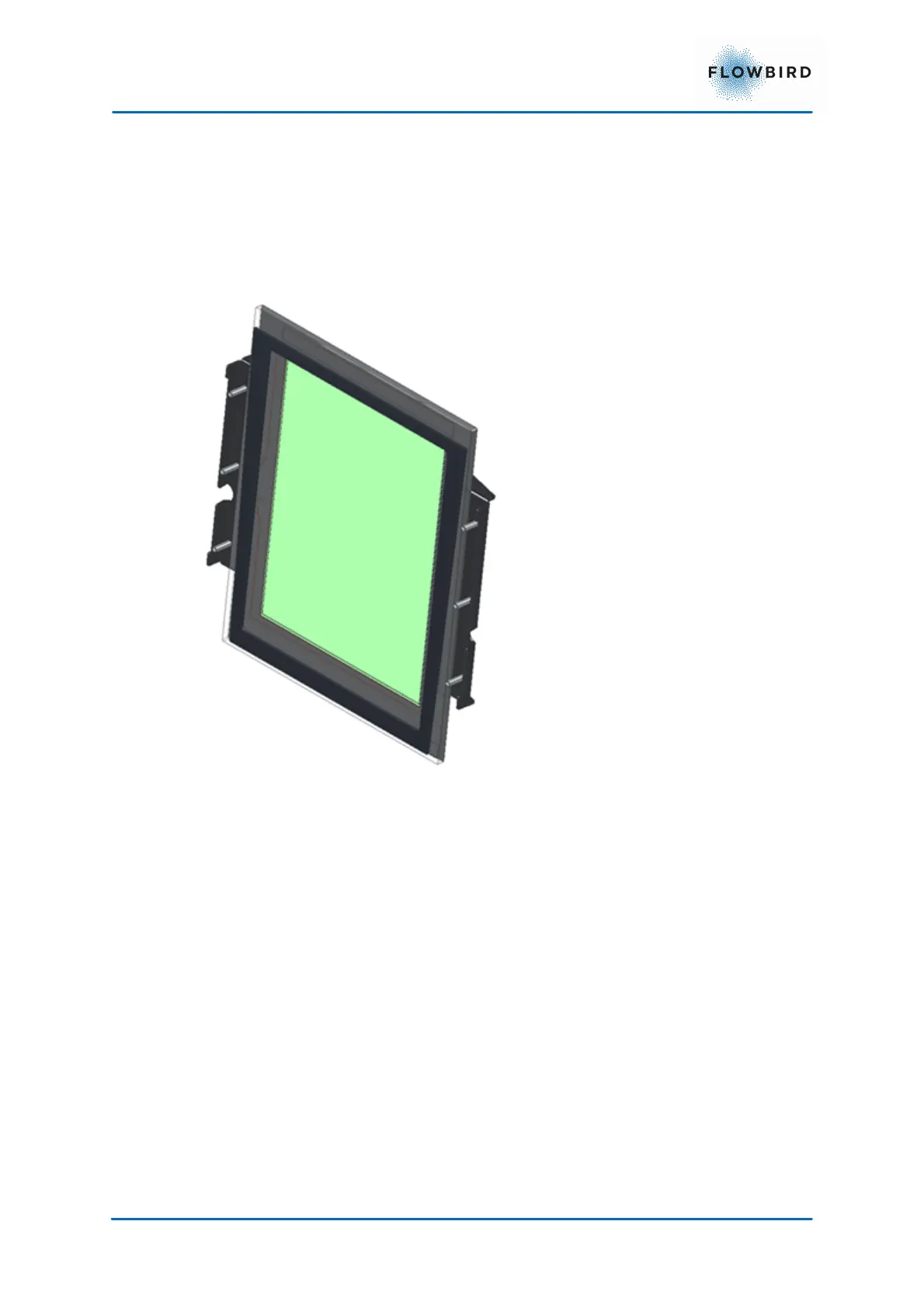
The display is an 768x1024 pixels touch enabled colour display mounted in
portrait.
The display is inwards tilted for a better visibility.
4.3 Means of payment
The CWT S5 support different means of payment and several payment
applications.
4.3.1
Payment applications
Currently the CWT S5 offers:
1. With pre-payment the user pays in advance and receives a ticket
A special pre-payment application is Code Payment which requires that the
user enters a code or number, for instance a license plate number. The user
pays at the terminal using an available payment option.
2. Pre-requisites payments use a third party to set the current tariff. In this case
the terminal requests a tariff via WebOffice from the third party. After
receiving the tariff, the purchase is handled as a pre-payment
3. With Post-payment, the user pays afterwards for the time used and receives
a ticket depending on the configuration.



 To Next Page