Page 47CWT S5 Installation & Maintenance ManualIssue 5
Installation
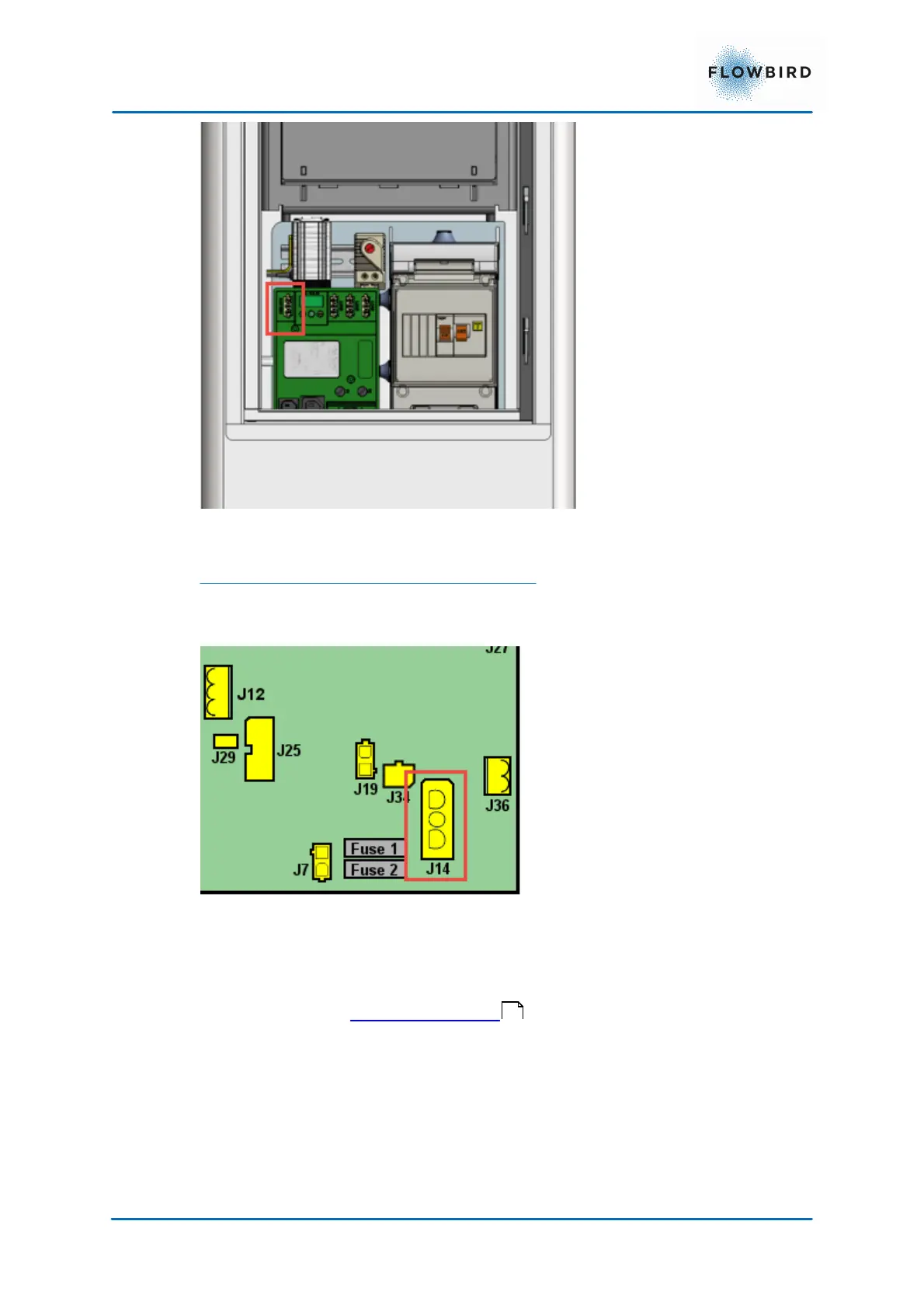
Figure 39, Connection of battery to 12V distribution panel
in a solar or battery-only powered terminal
Connect the 12 V supply cable from connectors J14 on the CPU board to the
battery.
Figure 40, Solar power connections
5.2.4
Connecting to the mains power grid
Connect the incoming power cable to the terminal block (automatic residual
current device or fuse socket) in the pedestal (design may vary due to customer
requirements). See Installing the battery .
Secure the cable using the strain relieving clamp. See Figure below.
46



 To Next Page