Page 51CWT S5 Installation & Maintenance ManualIssue 5
Installation
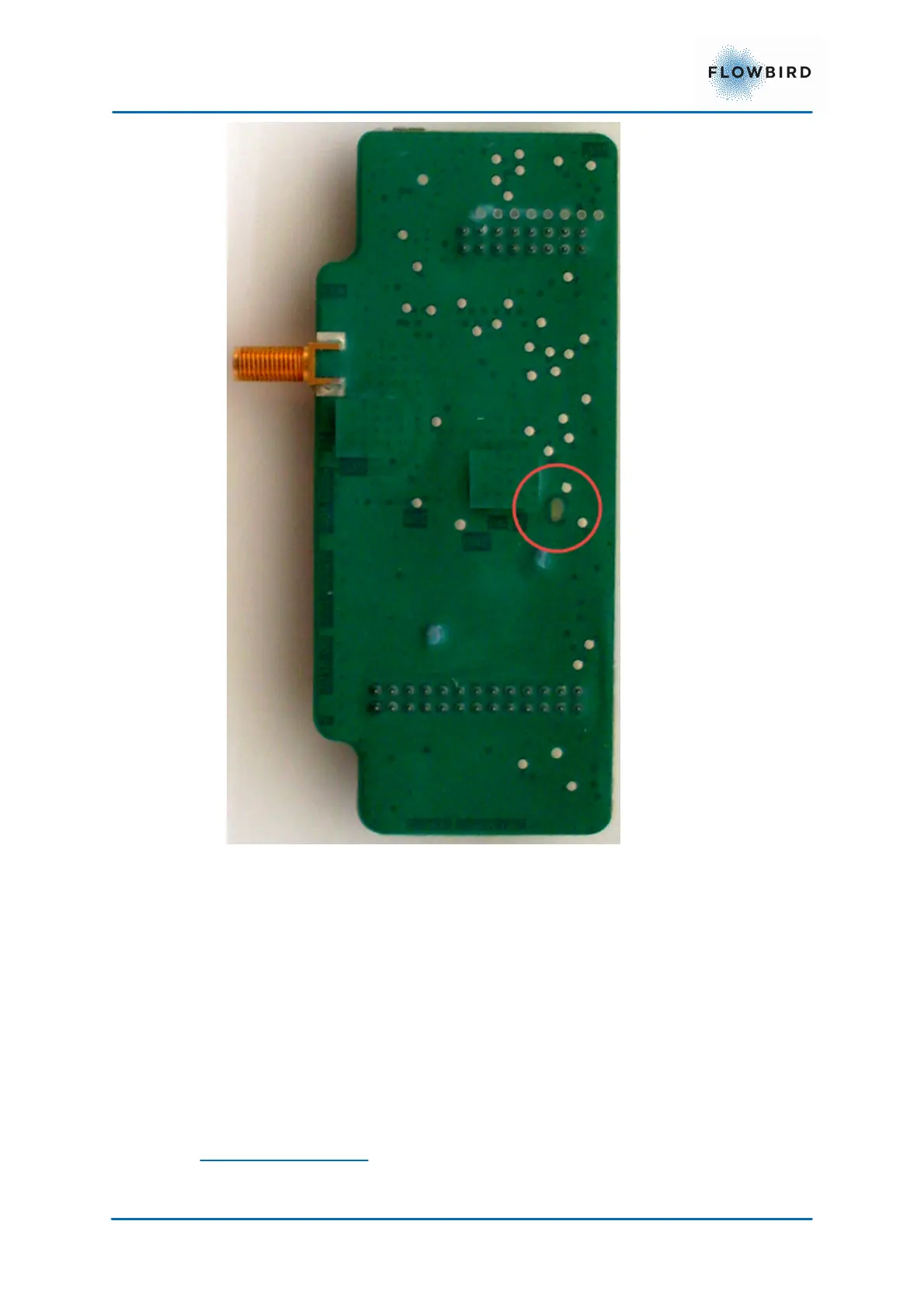
Figure 42, 3/4G Modem EU version front and back
2. Close the SIM card holder
3. Write the subscription telephone number / SIM card number on a label and
attach the label, fully legible, inside the cabinet, not on the modem itself
because it might be necessary to replace the modem some time.
4. Make sure the antenna is connected to the connector J3 (1)
5.2.5.1 Checking modem contact with network provider
To check the connection:
1. Switch ON the terminal.
2. Check the LED status indicators in the red circle on the modem.
LED Status indicator



 To Next Page