Page 53CWT S5 Installation & Maintenance ManualIssue 5
Installation
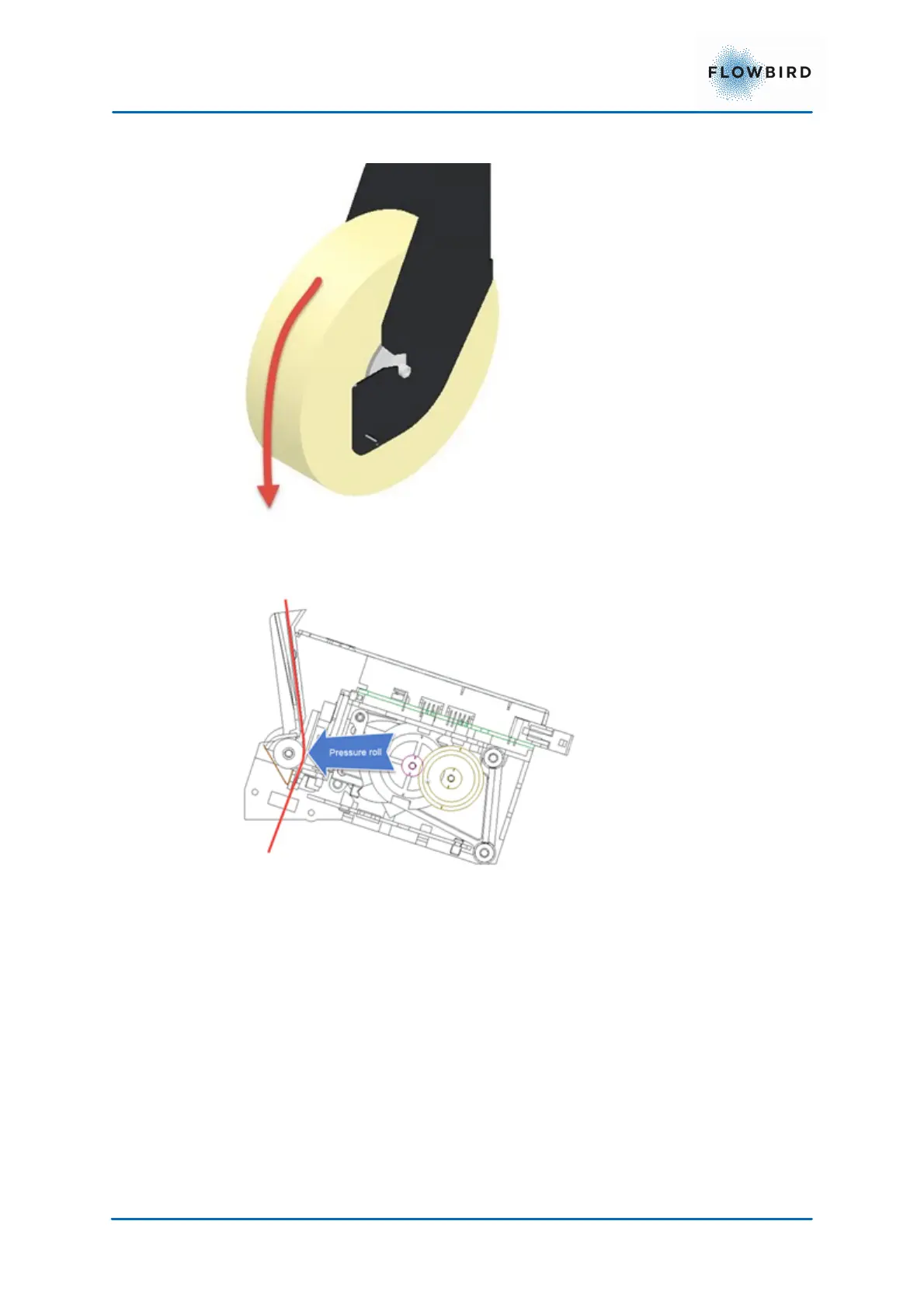
2. Place the roll in the paper roll holder
Orient the roll so the paper leaves the roll from the front and downwards.
Figure 44, Printing direction
3. Insert the paper into the paper guide of printer as displayed below until it
stops against the pressure roll
Figure 45, Paper flow through printer
4. Push the red button on back of the printer for 1 second to start printing a test
ticket.



 To Next Page