How to read the diagrams
This chapter contains circuit diagrams and component layout.
Each diagram has been completed with lists of the ICs used in the
unit. This list indicates the connections that are not shown in the dia
-
gram, such as GND and supply voltages.
Signals
The signals in these units are named after what they do, e.g.,
LEAD-EDGE is used as control current to the leading edge circuits.
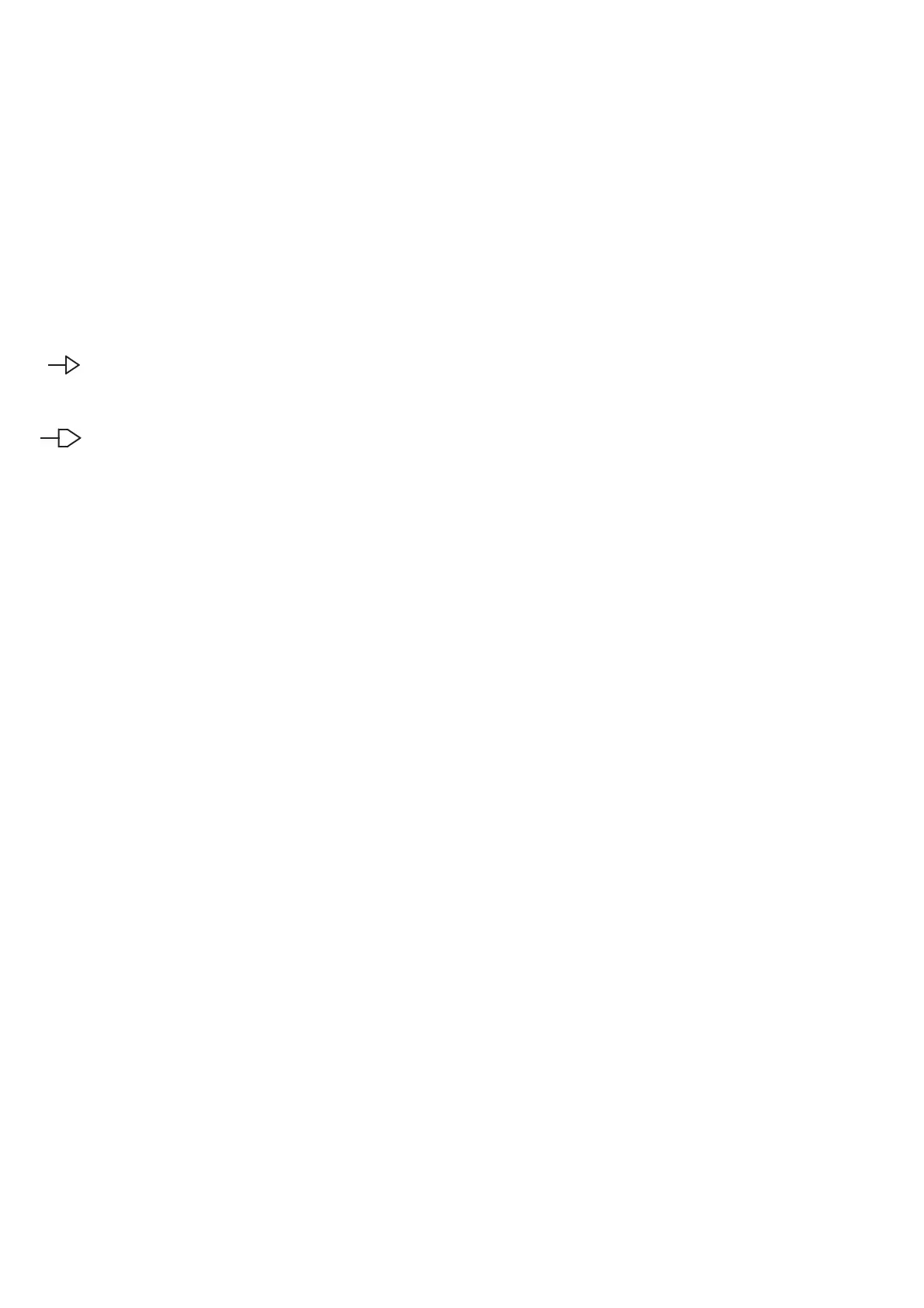
Two different types of arrows are used to mark references for contin
-
ued connection somewhere else in the diagram.
This arrow is used if the reference is directed to a point
located on the same page.
This arrow is used if the reference is directed to a point
located on another page. The example means that the
point is on sheet 1, coordinate A1.
Circuit symbols
The circuit diagrams are computer drawn. The symbols conform to
the IEC standards. These symbols are designed to be logical and easy
to read.
The component number is written above the symbol.
Inside the symbol, at the top is an abbreviated description of the cir
-
cuit’s function.
Pin numbers are written outside the symbol and, if it is a complex cir
-
cuit, the pin functions are written inside.
A small circle on a pin indicates that the input/output inverts the sig
-
nal.
The component name is written below the symbol.
The signal flow through the circuit is always from left to right.
Resistors, capacitors, diodes, transistors
and other components.
These components are similar to the old fashioned, hand-drawn sym
-
bols.
They have their component number above and their value or compo
-
nent name below.
A resistor contained in a resistor network has a frame drawn around it
and one of the pin numbers is written to the left or below it.
Component numbers
“R305" is a typical component number. The ”R" indicates that it is a
resistor,"3" that it is positioned on the “unit 3", and 05 that it is the
fifth resistor in the component list for that unit.
Drawings & Diagrams 8-2
/1.A1
A1


 To Next Page