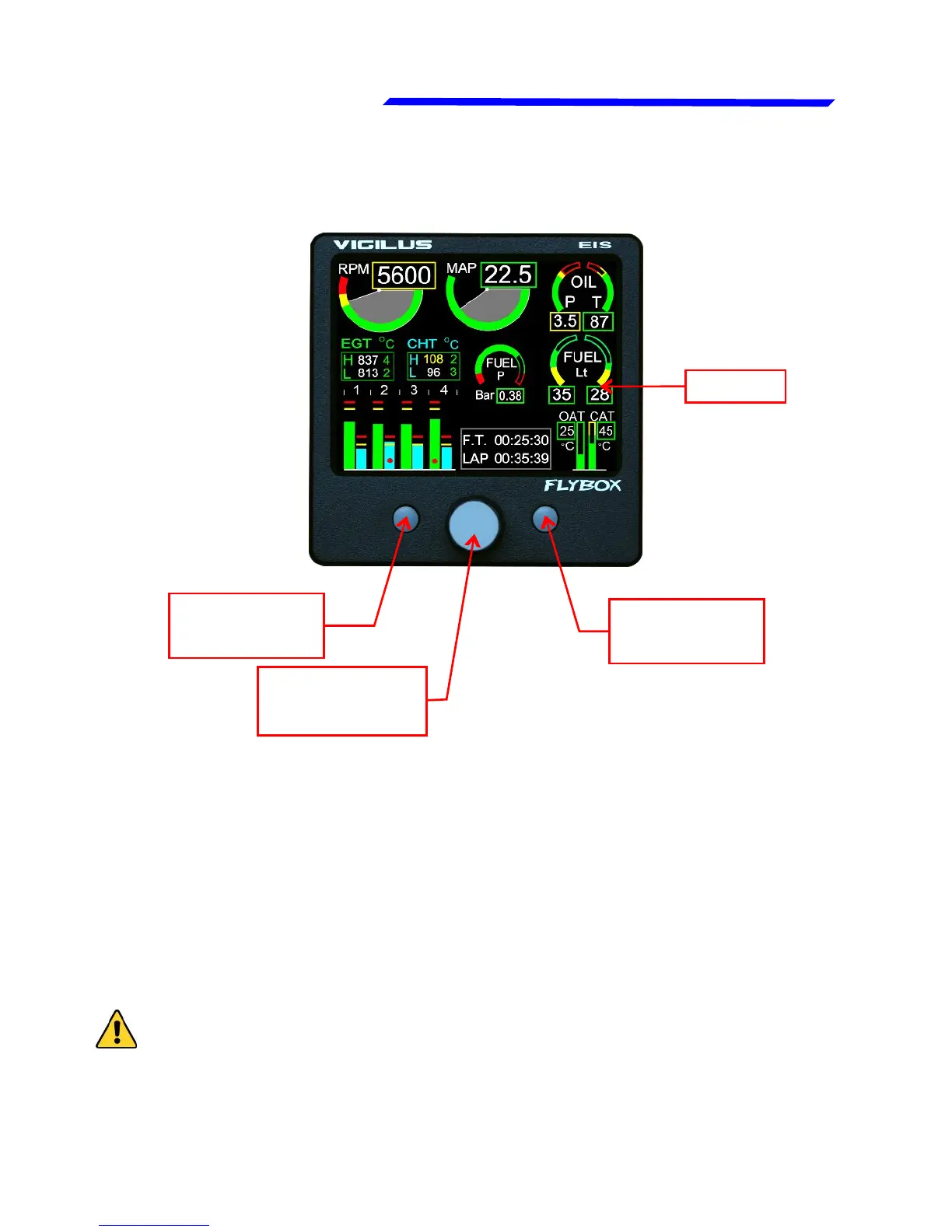
F1
pushbutton
Display
Knob with
pushbutton
1.2 PANEL INDICATORS AND COMMANDS
The knob with pushbutton can be rotated (for example to
increment or decrement a value) or pressed like a pushbutton
(for example to enter in a submenu).
Inside the menus it’s always indicated the meaning of the
pushbuttons (for example: exit, back, etc…)
● Display cleaning:
To clean the display use the supplied smooth cloth, slightly
moistened with cleaner. Use a cleaner that is specified as safe
for anti-reflective coatings.
CAUTION: Avoid any chemical cleaners or solvents that can
damage the display anti-reflective coating or plastic
components. Do not use cleaners containing ammonia.Do not
spray water or cleaner directly onto the display.
F2
pushbutton



 To Next Page