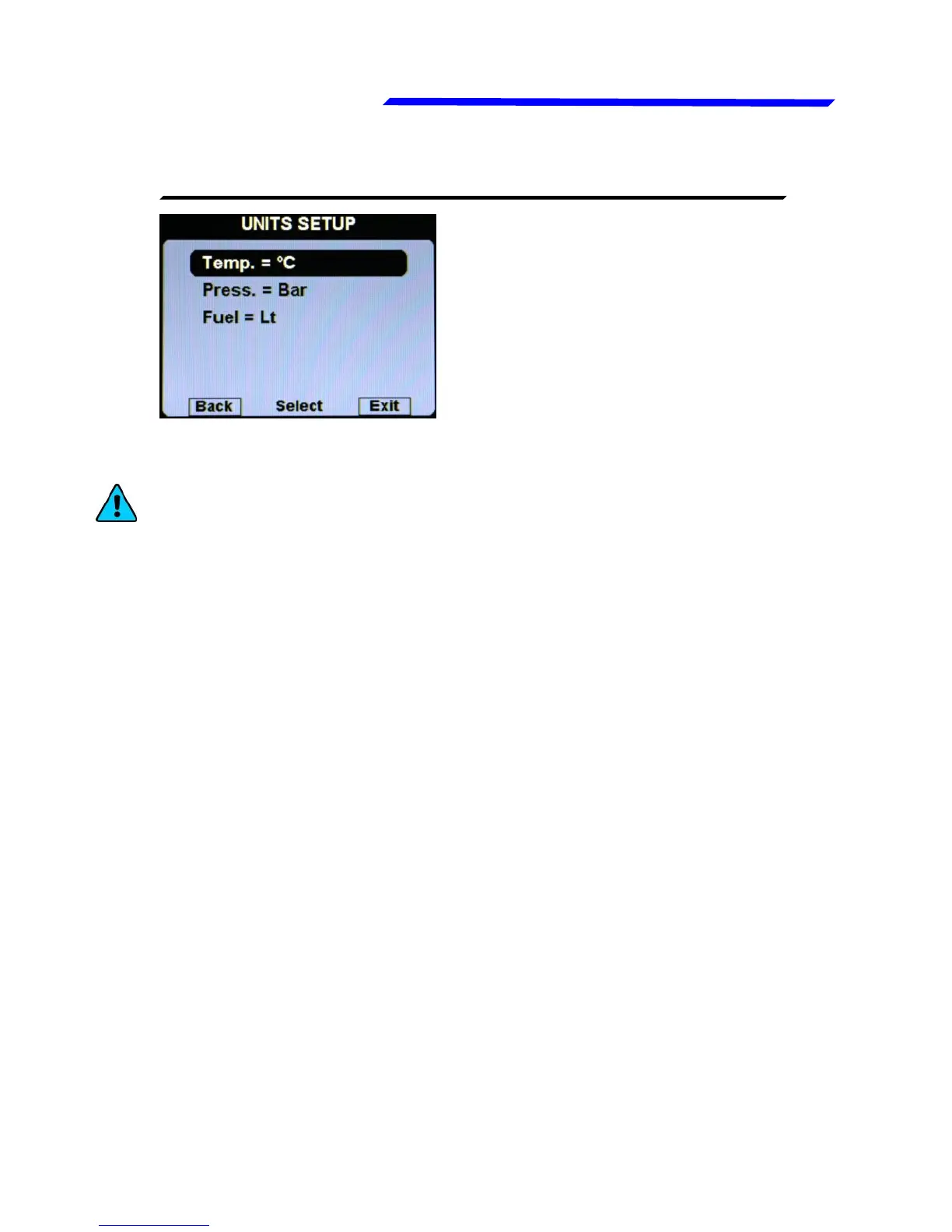
● Temp.: Set the unit of measure for all the temperatures; choose
between °Celsius (°C) or °Fahrenheit (°F). Default=°C
● Press.: Set the unit of measure for all the pressure indications
(except MAP that it’s always indicated in InHg); choose between
Bar or Psi. Default=Bar.
● Fuel: Set the unit of measure for the fuel quantities. Choose
between liters (Lt) or US Gallons (Gal). Default=lt.
This menu globally set the units of measure for all the available
indications.
NOTE: When you change the units of measure on this menu,
all the single units of measure of each indications will be
changed accordingly, so if you have already set different units
of measure for each indications on the Instruments submenus,
they will be overwritten.
Instrument configuration



 To Next Page