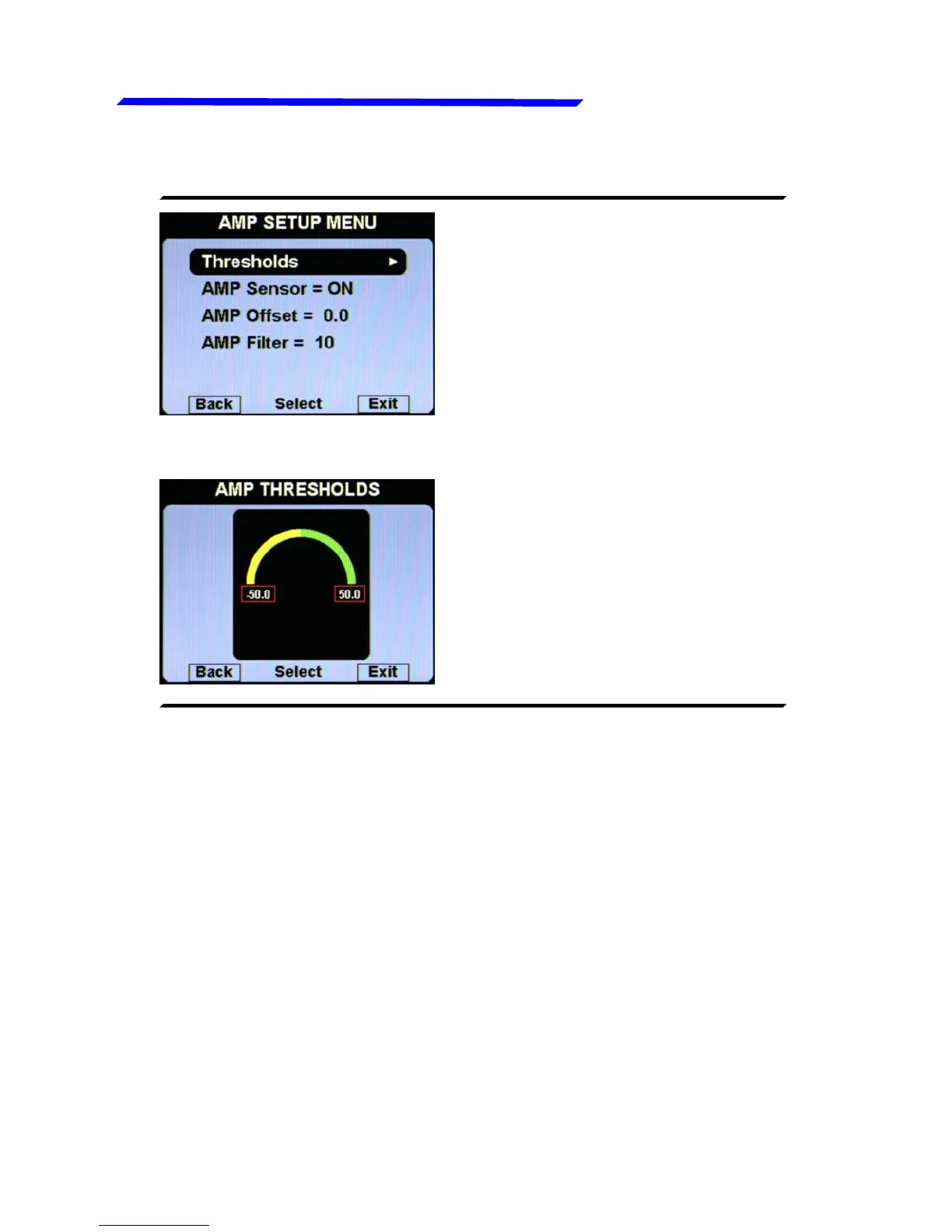
● Thresholds: set the min
value (negative bottom of the
bar) and the max value (top
positive of the bar).
● AMP Sensor = ON/OFF: Set to ON if you have installed the
current sensor, set to OFF if you have not installed it (the
indication will be disabled). Default=ON.
● AMP Offset: Calibration of battery current sensor. See “Current
sensor” section in chapter 2.4 of the installation manual for
explanation.
● AMP Filter: This parameter affect the readings and the gauges
displayed: a low value means that the readings will be more
fast and unfiltered (but subject to fluctuations), an high value
means that the readings will be more slow and stable (range:
0~999, default=10).
Instrument configuration



 To Next Page