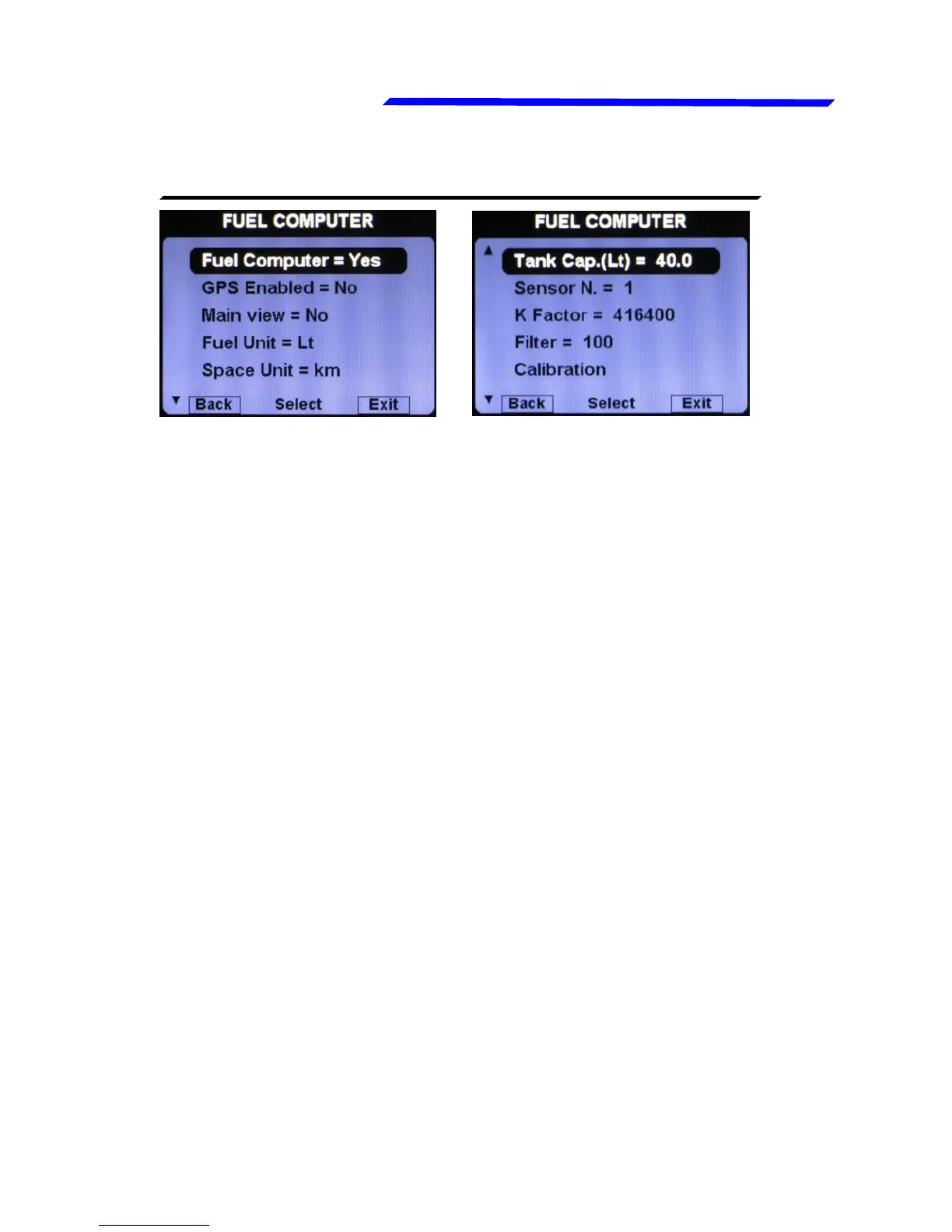
● Fuel Computer = YES/NO: Enable or disable the fuel computer
page.
● GPS Enabled = YES/NO: Enable or disable the GPS for the
two indications that require it (RANGE and RESERVE); you
must correctly connect the GPS to use this features. Default=NO.
● Main view = YES/NO: Enable or disable the indication of the
estimated remaining fuel on the main engine data page. Please
note that if enabled, it replace the fuel level indications (so if it’s
enabled, on the main engine data page you will have the
estimated remainind fuel calculated by the fuel computer, NOT
the fuel level read by the fuel level sensors). Default=NO.
● Fuel Unit: Set the unit of measure for the fuel quantities.
Choose between liters (Lt) or US Gallons (Gal). Default=Lt.
● Space Unit: Set the unit of measure for the distances. Choose
between kilometers (km) or nautical miles (NM). Default=Km.
● Tank Cap.: Set the tank capacity (if there are more than one
tank set the total capacity of the tanks). Default value is set to
zero to force the user the first time to set the capacity.
● Sensor N.: Set the number of fuel flow transducers installed.
Actually only one fuel flow transducer is supported.
Instrument configuration



 To Next Page