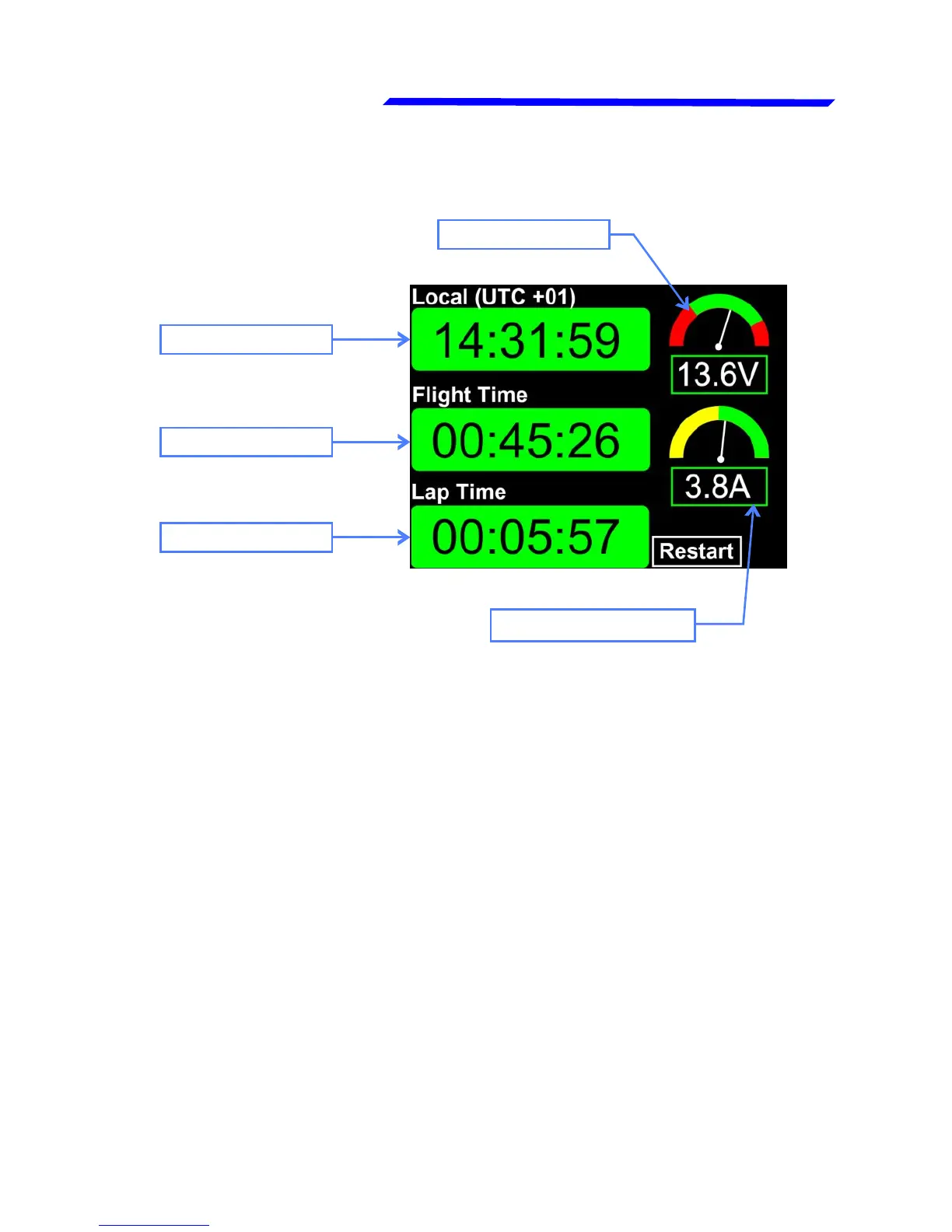
2.3 PAGE2: Chronometer page
CLOCK
The information available on this page are:
● Clock: Shows the time, if a GPS is connected and enabled on
the Vigilus. To enable the GPS and set the time zone, go in the
menu → Settings → Global Settings → GPS.
● Flight time: The flight timer starts automatically when the
engine meets or exceeds for 30 seconds the value set in the
“Flight” parameter (see chap.1.3.4, section “RPM setup menu”)
and it stops automatically when the engine is turned off (0000
RPM).
● Lap time: The lap time starts at the same time of the flight time
explained above but it can be reset during flight by pressing the
“RESTART” button (right button).
FLIGHT TIME
LAP TIME
AMPEROMETER
VOLTMETER



 To Next Page