Rev. 1.0
1.3 INSTRUMENT CONFIGURATION
Before using the Vigilus you need to configure it; read
completely this chapter and follow step by step the
sections to completely configure all the sensors, alarms
and preferences available.
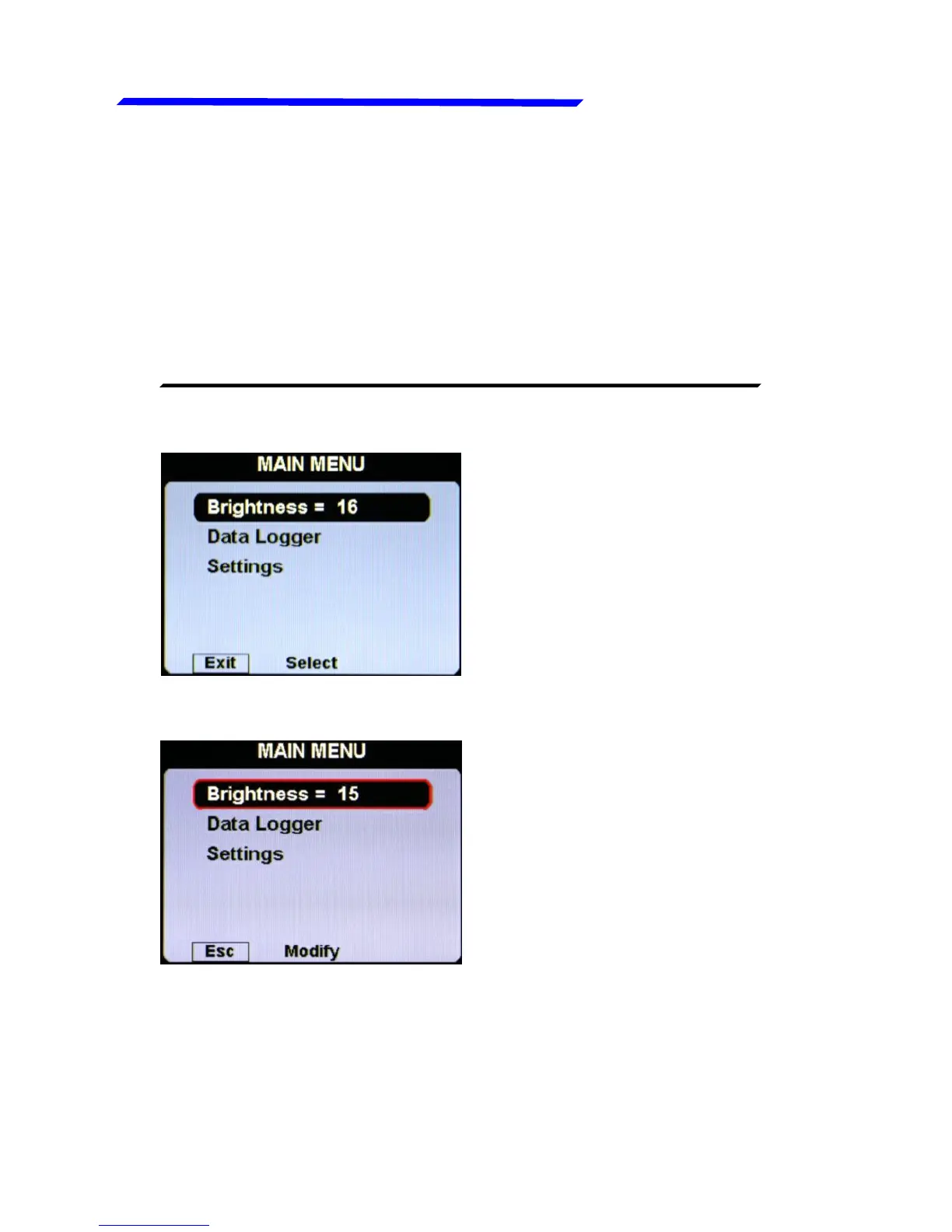
Press the knob for 1 second to enter in the main menu:
● Press the “EXIT”
pushbutton to exit the
menu.
● Rotate the knob to select
an item of the menu.
● Click the knob to enter in
the selected item.
For example, to change the display brightness:
● Rotate the knob to select
the “Brightness” item.
● Click the knob and the item
become highlighted in
flashing red: it means that
you can edit this value by
rotating the knob.
● Click again the knob to
store the new value for the
brightness OR press the
“ESC” pushbutton to exit
without saving the
changes.



 To Next Page