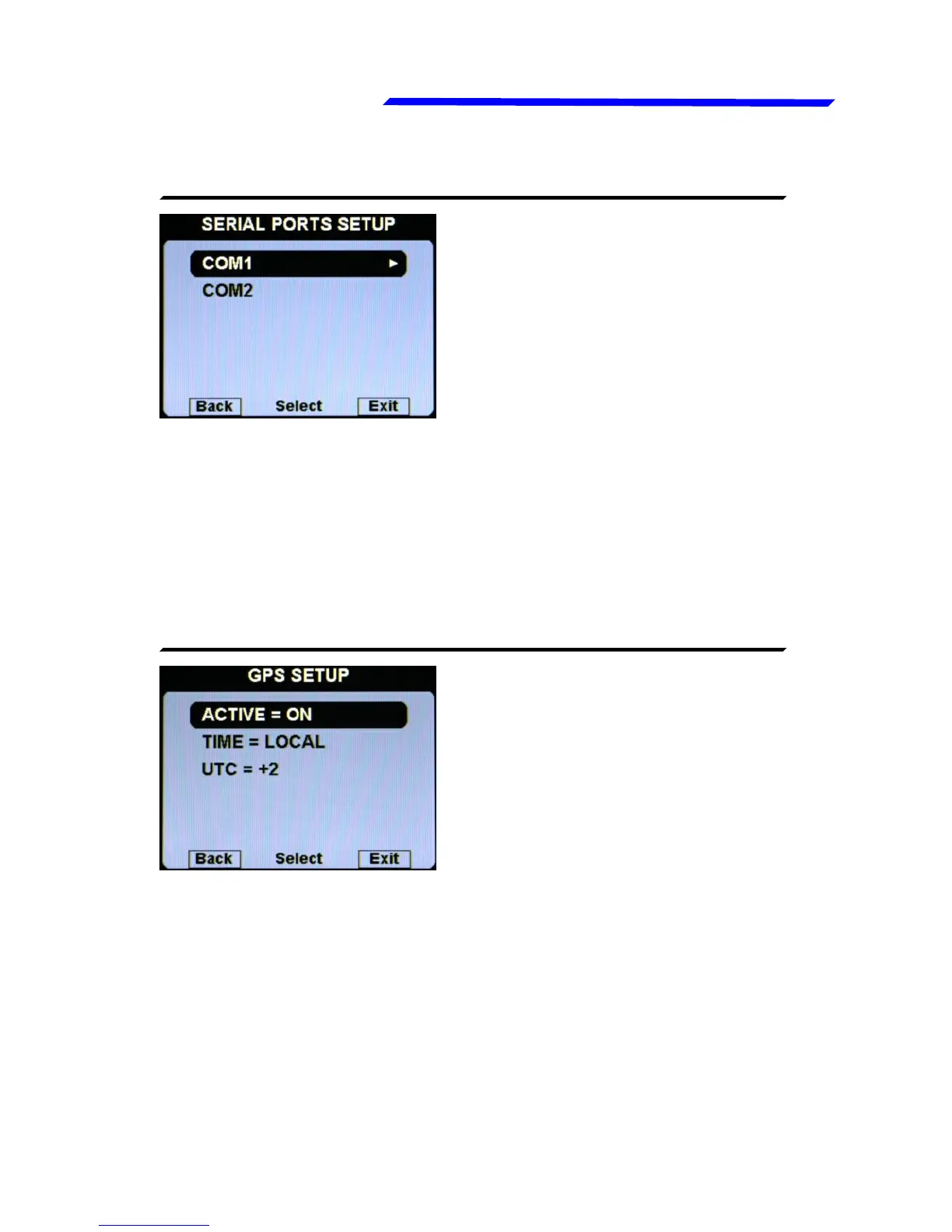
● Active = ON/OFF: Enable or disable the GPS. If enabled, the
Vigilus use the GPS to indicate the time on the chronometer
page. If disabled no time is shown in the chronometer page
(default=OFF).
● Time = UTC / LOCAL: Set if you want to see the time in the
UTC time zone (default setting) or in your local zone. If local is
selected, you should set also the:
● UTC: set the offset between your local time and the UTC time.
● COM1 Setup: Enter in the COM1 submenu to choose the
● Baud Rate: This serial port is used to connect an external GPS
so the baud rate should be set at the same value set in the
external GPS (default=4800 bps).
● COM2 Setup: COM2 serial port actually not used.
Instrument configuration



 To Next Page