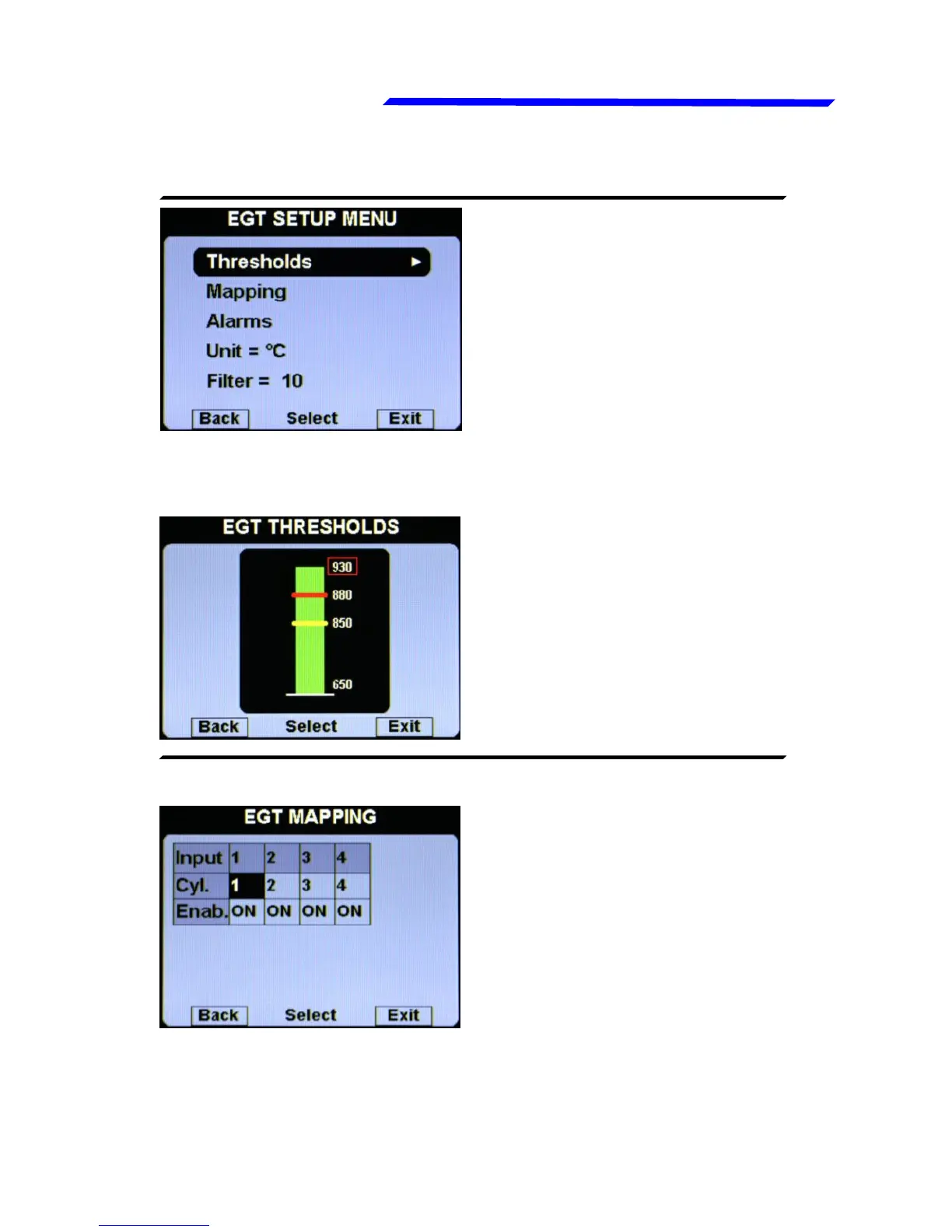
Egt setup menu
● Thresholds: set the
thresholds of the EGT bars:
min value (bottom of the bar),
yellow threshold, red
threshold and max value (top
of the bar).
● Mapping: although we
recommend to perform a
clean installation, with this
feature it’s possible to
reassign or disable the
different EGT inputs available
in the remote module: for
example you can assign the
input#1 of the remote module
to the engine cylinder#3 and so on. You can also disable each
inputs, useful for example if a sensor fails and you don’t want
to display the indication for that sensor.
Instrument configuration



 To Next Page