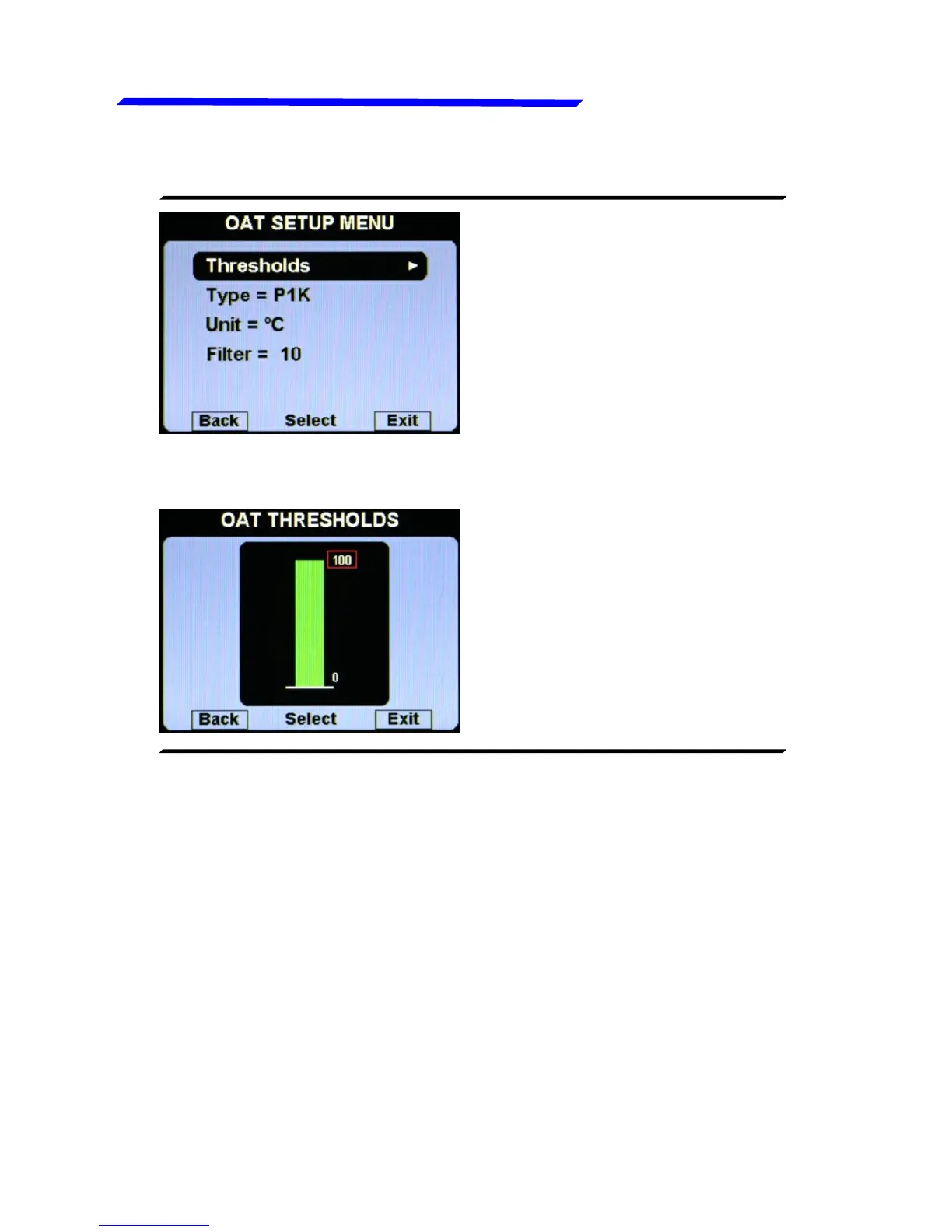
● Thresholds: set the min
value (bottom of the bar) and
the max value (top of the bar).
● Type: Select the type of OAT sensor installed:
P1K: PT1000 resistive sensors (default).
NO: No sensor installed (disable the indication).
● Unit: °C / °F: Set the unit of measure for the OAT temperature;
choose between °Celsius (°C) or °Fahrenheit (°F).Default=°C.
● Filter: This parameter affect the readings and the gauges
displayed: a low value means that the readings will be more fast
and unfiltered (but subject to fluctuations), an high value means
that the readings will be more slow and stable (range: 0~999,
default=100).
Instrument configuration



 To Next Page