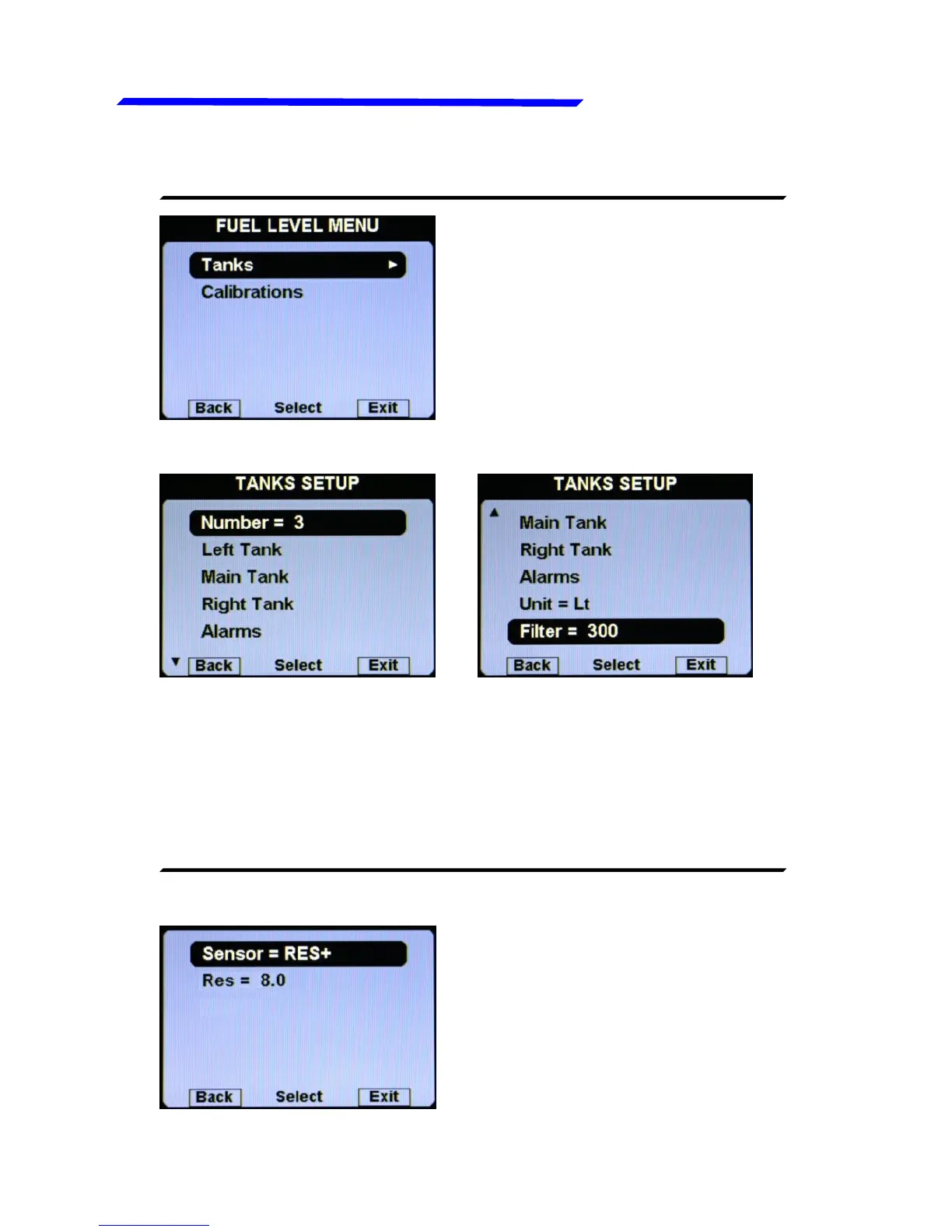
● Number = 1/2/3: Set the number of fuel level sensors installed
and connected to the remote module.
If you have not connected any fuel level sensors, set to zero.
If you set one tank, it will be named “Main tank”.
If you set two tanks, they will be named “Left tank” and “Right
tank”. Default=2.



 To Next Page