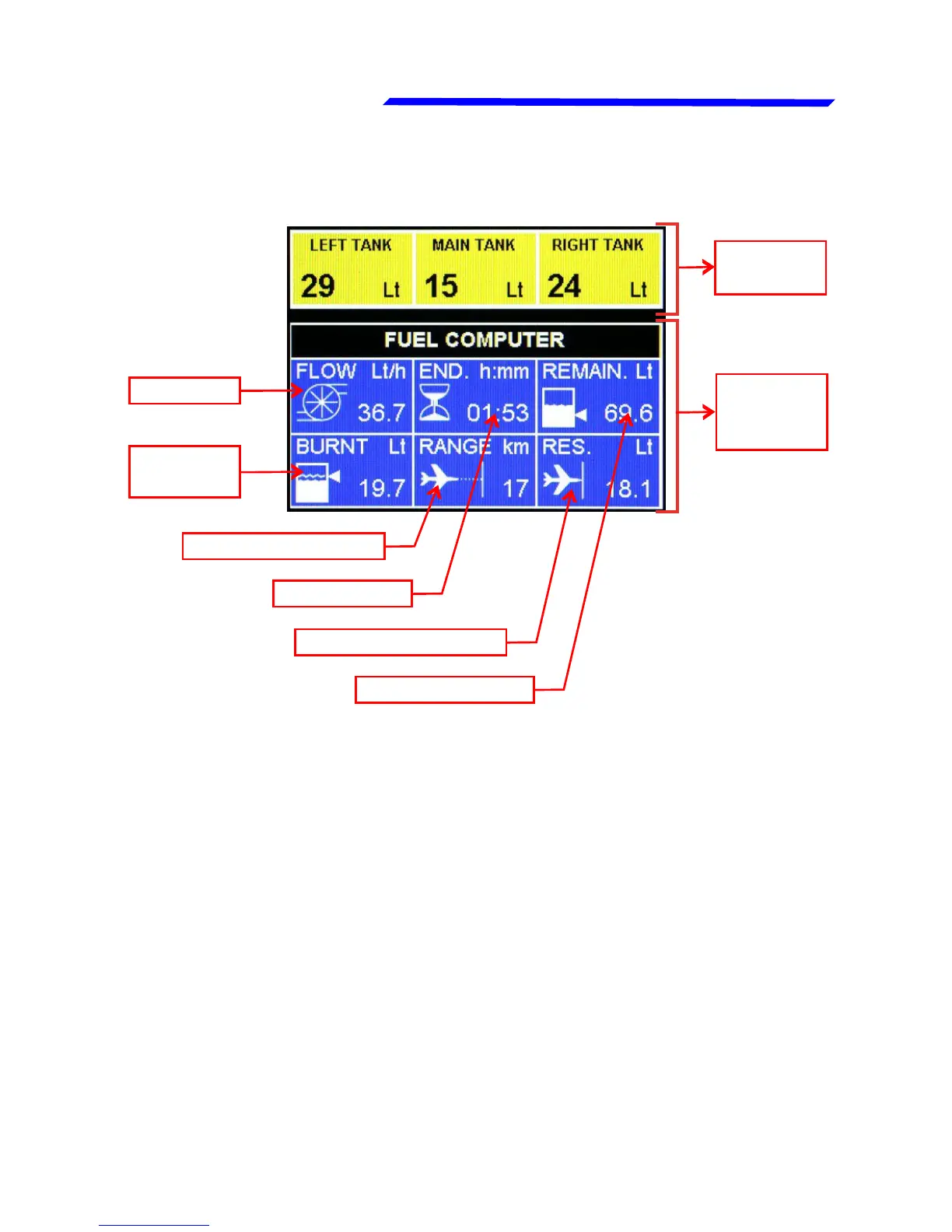
2.4 PAGE3: Fuel management page
● Fuel levels section:
The fuel level indications are obtained by reading the fuel level
sensors installed in your aircraft and connected to the remote
module of the Vigilus. The indications are approximated, do not
solely rely on the Vigilus indications to determine the fuel
available in the tanks, but always refer to primary instrument
installed in your aircraft.
Before using the fuel llevels section you must be sure to have
already set the following parameters:
- Set the unit of measure: USgallons or liters (set this before all
the other parameters). See parameter “Unit” on menu Settings
→ Instruments → Fuel L → Tanks.
Fuel levels
section
Fuel flow
Burned
fuel
Range (need GPS)
Endurance
Reserve (need GPS)
Remaining fuel
Fuel
computer
section



 To Next Page