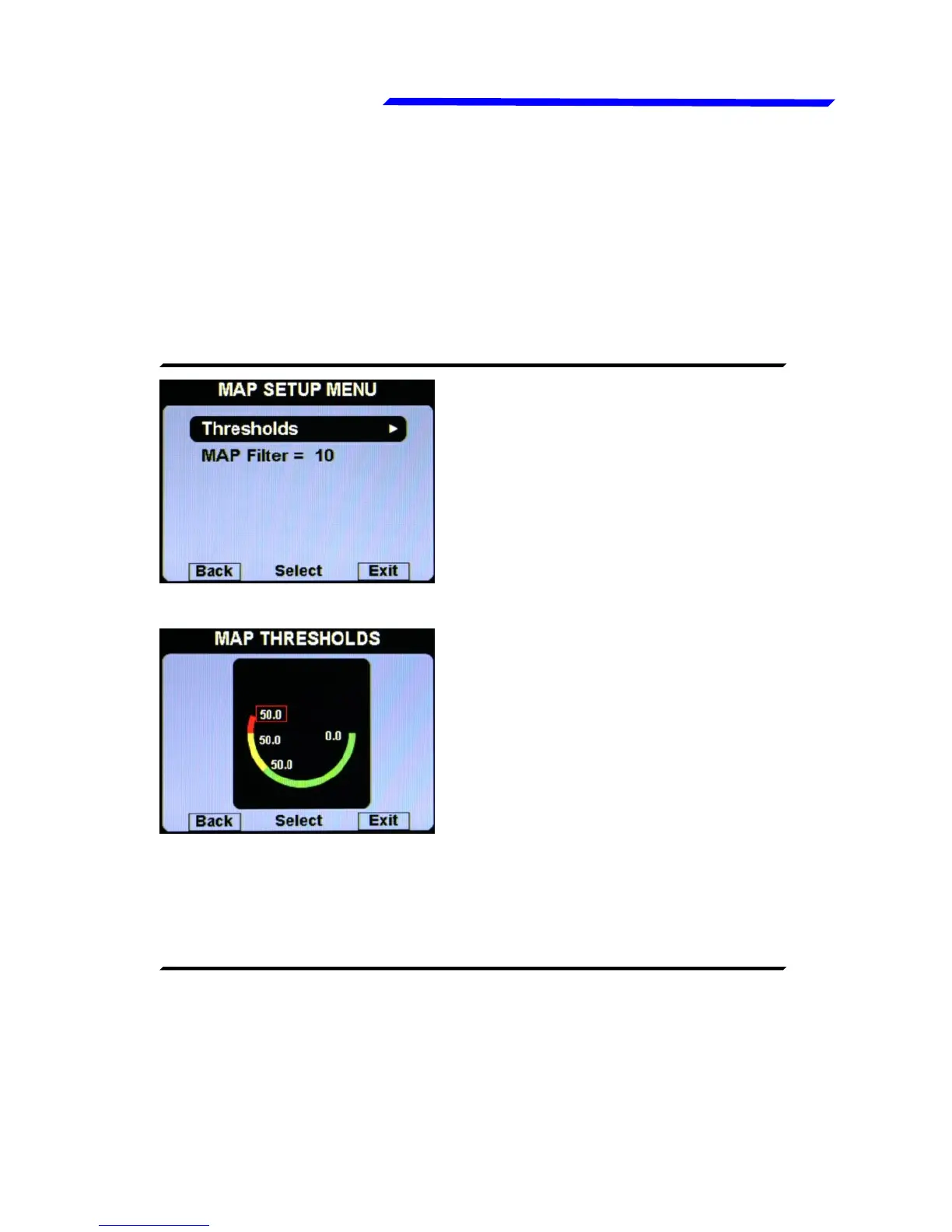
● Thresholds: set the min value (bottom of the bar), the yellow
threshold, the red threshold and the max value (top of the bar).
If you don’t want the yellow and red zone, set the same value
on all the three upper thresholds.
● MAP Filter: This parameter affect the readings and the gauges
displayed: a low value means that the readings will be more
fast and unfiltered (but subject to fluctuations), an high value
means that the readings will be more slow and stable (range:
0~999, default=200).
For Rotax 912 engine tipically this parameter should not be
changed, let the default value (19). Min-Max range is 0~31.
● Alarm repeat: Set the number of times that the vocal alarm for
the engine overspeed is repeated on the audio output
(range:1~5, default=1).
Instrument configuration



 To Next Page