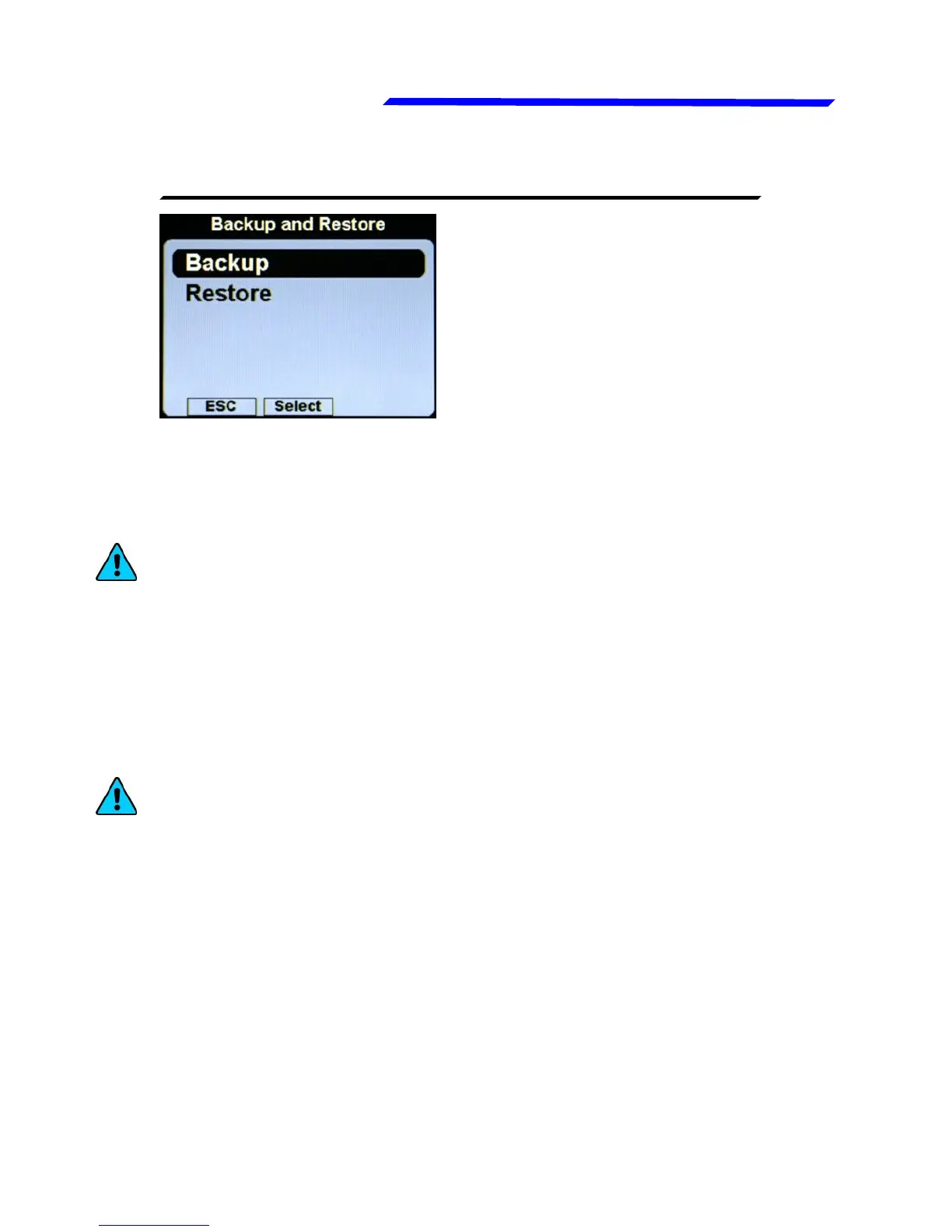
This menu is used to save or
restore all the settings and
calibrations on your Vigilus.
● Backup: Insert a USB flash drive in the USB receptacle on the
Vigilus harness and then click the knob on this item to save all
the settings on the USB flash drive. The filename of the backup
is “Backup.vig”.
NOTE: It’s recommended to perform the backup right after
finishing to set the instrument and copy the “Backup.vig” file
in a safe place to have the opportunity to recall the settings if
needed.
● Restore: Insert the USB flash drive where you have previously
performed the backup (or manually copy the backup file
“Backup.vig” in a USB flash drive) and then click the knob on
this item to restore all the settings on the Vigilus.
NOTE: All current parameters will be overwritten after the
restore.
Instrument configuration



 To Next Page