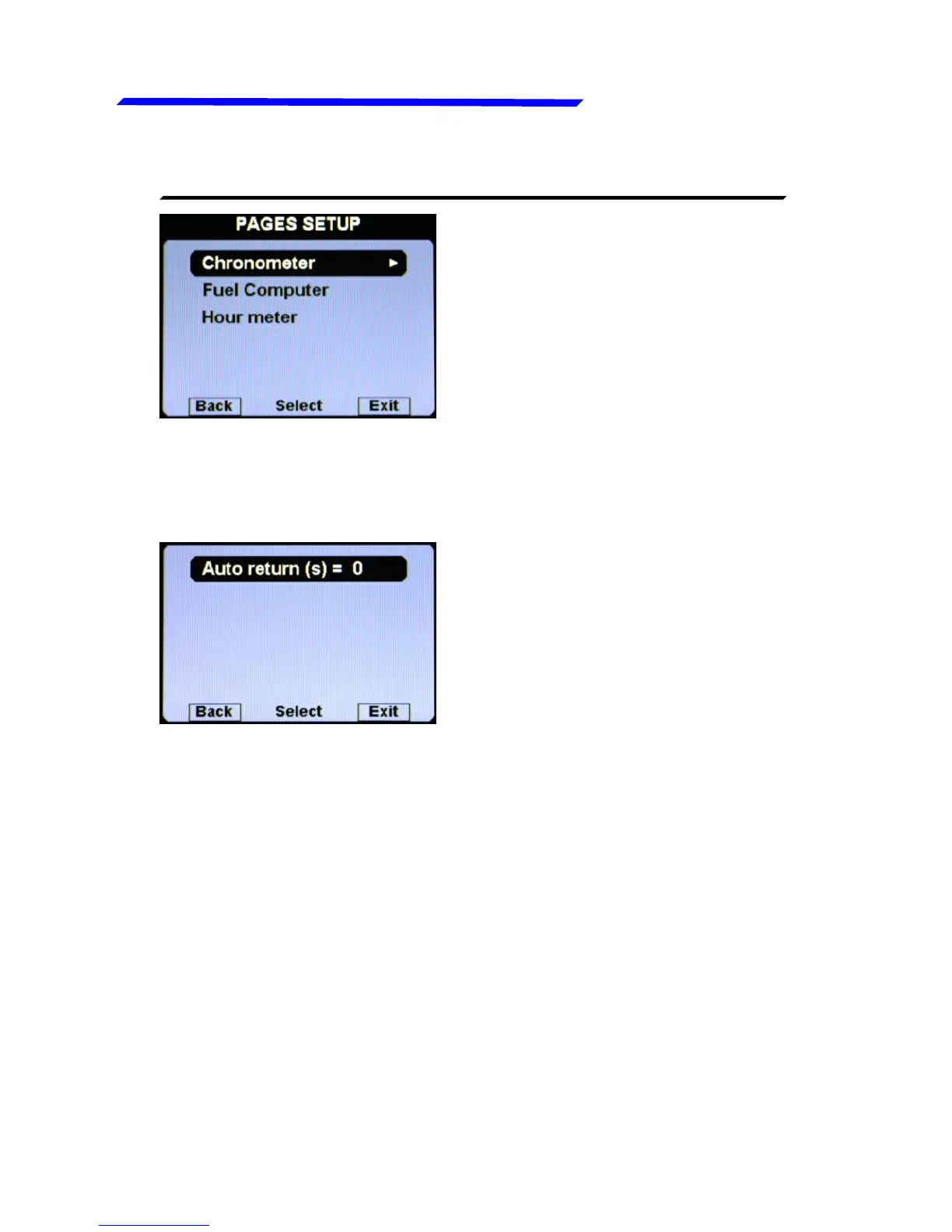
Set, for each of the three information pages available in the
Vigilus (Chronometer page, Fuel Computer page and Hour
meter page), the auto return time on the main engine data page:
The time is in seconds: if you set 10, after 10 seconds of
showing the selected page, Vigilus will return automatically to
show the main engine data page.
To disable the auto return for the selected page, set the value
to zero. Default=0.
Instrument configuration



 To Next Page