Vigilus continuously monitor all the sensors and when a
measurement exceed its setpoint the corresponding alarm is
activated (if enabled).
An alarm condition is indicated in this ways:
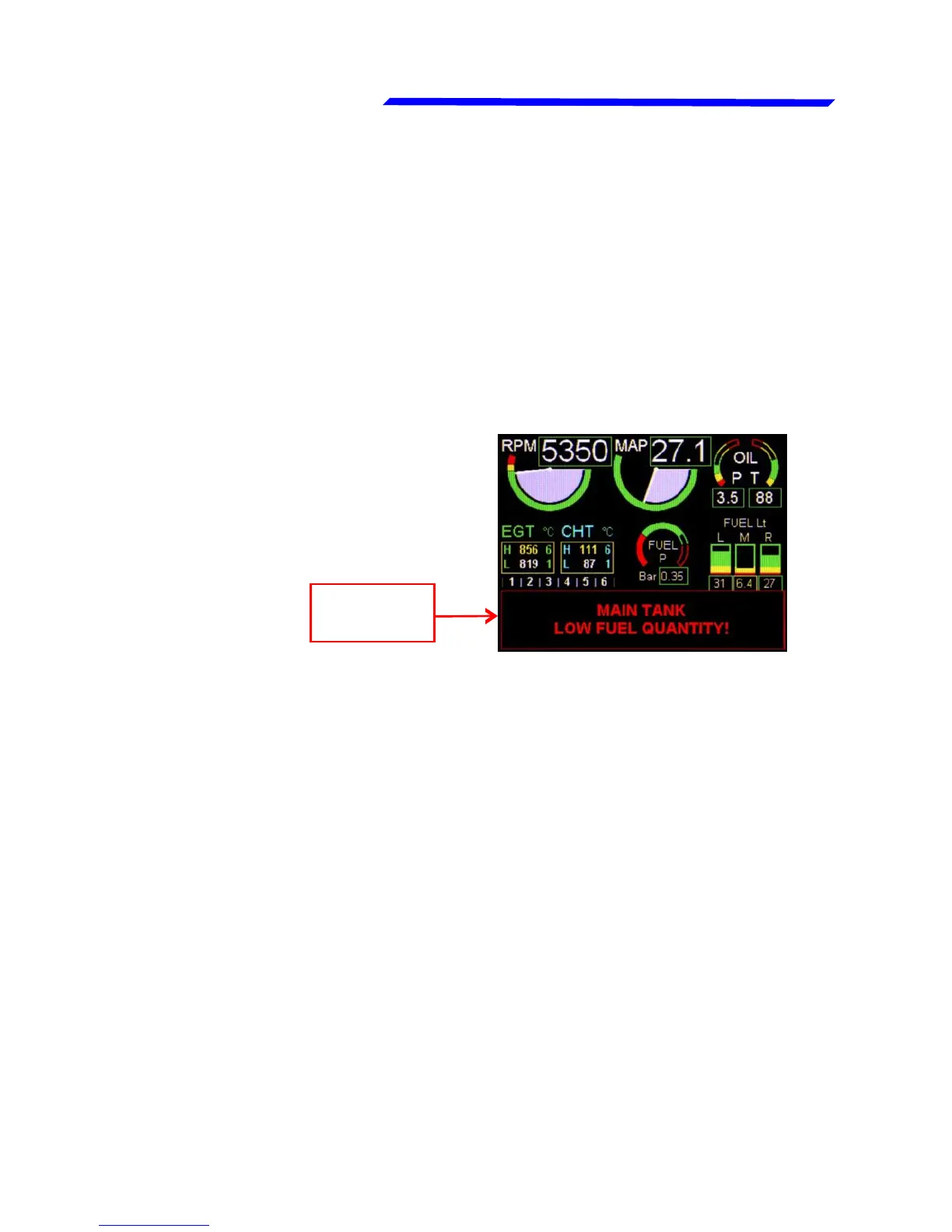
● A red flashing message appears on the bottom of the
display, as in this example:
● One of the four programmable outputs of the remote module
is activated (if enabled).
● Vocal alert on the audio output is activated (if enabled).
To reset any alarm condition press or rotate the knob or press
a button; in case of multiple alarms the alarm pages is presented
in sequence.
The possible alarm conditions are:
● “HIGH BATTERY VOLTAGE!”
● “CAUTION! LOW BATTERY VOLTAGE”
● “EGT 1~6 HIGH TEMPERATURE”
● “CHT 1~6 HIGH TEMPERATURE”
● "HIGH FUEL PRESSURE!"
● "CAUTION! LOW FUEL PRESSURE"
● "HIGH OIL PRESSURE!"
Alarm
message
SECTION 3
3.1 ALARMS



 To Next Page