Entering & browsing the menus
Instrument configuration
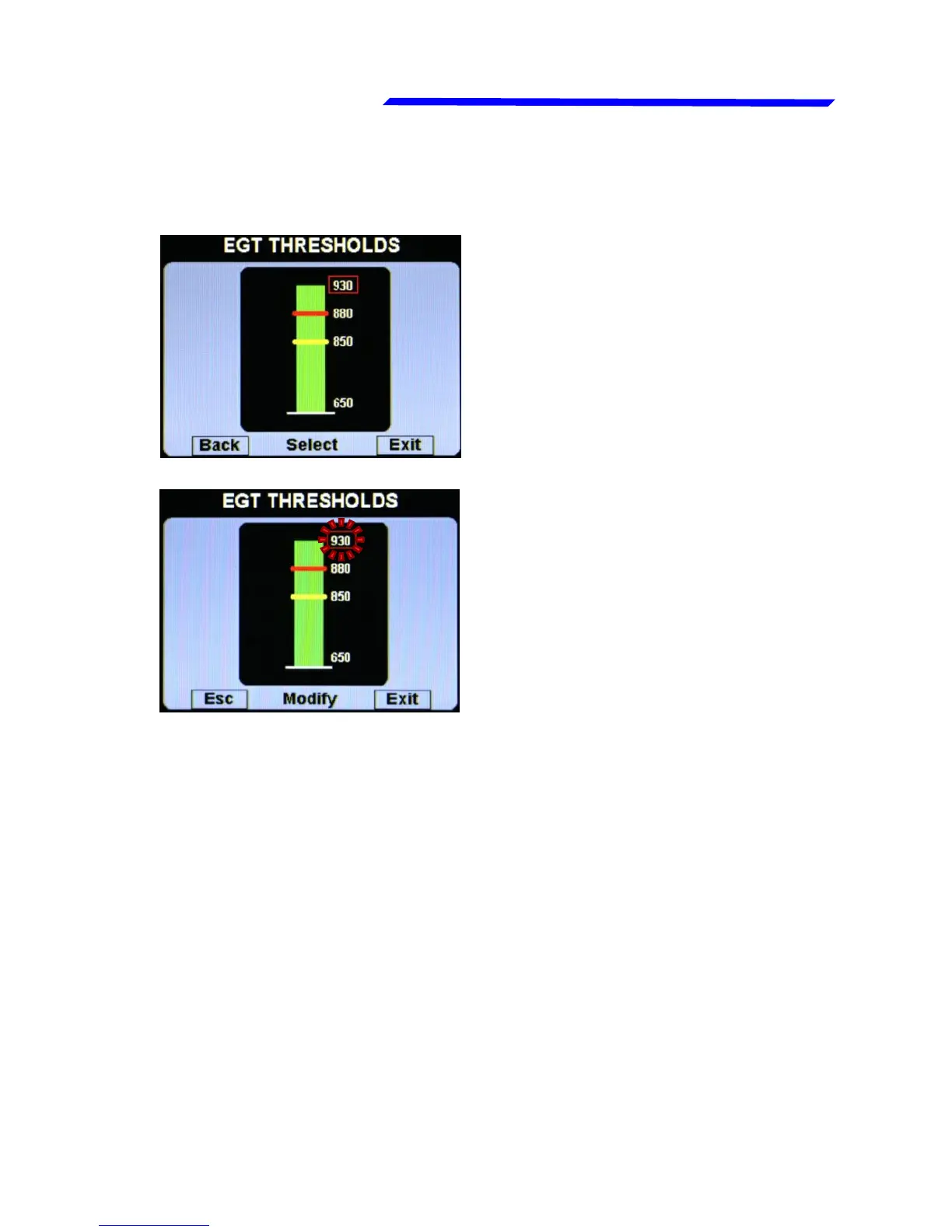
Also when inside a parameters page, the editing
philosophy is the same, for example:
On this example, by rotating
the knob you select the
parameter that you want to
edit (the selected
parameter is highligted in
red).
If you don’t want to store the new value press “Esc”
pushbutton to cancel the editing or press “Exit” pushbutton
to exit the menu and return to the main pages.
If you click the knob the
highlight become flashing
red to indicate that you are
editing that parameter.
Rotate the knob to change
the value and press the
knob to store the new value



 To Next Page