Rev. 1.0
Fuel computer menu
● K factor: Set the fuel flow transducer's K-factor, if installed. The
K-factor of a fuel flow transducer is the number of electric pulses
for 1 gallon of fuel consumption. If you have the K-factor in liters,
multiply the value by 3.78 before entering it. Default value is
416400 (nominal k-factor of Flybox® TFTHP flow transducer).
NOTE: For the Rotax 912iS engine the fuel flow is read by the
ECU so this parameter isn’t used.
● Filter: This parameter affect the readings and the gauges
displayed: a low value means that the readings will be more
fast and unfiltered (but subject to fluctuations), an high value
means that the readings will be more slow and stable (range:
0~999, default=100).
● Calibration: Calibration of the K-factor of the fuel flow
transducer, if installed. Refer to chapter 1.4 “Fuel flow
transducer calibration”.
NOTE: It's recommended to execute the K factor calibration
as soon as possible to have the maximum accuracy in the
fuel flow measurements.
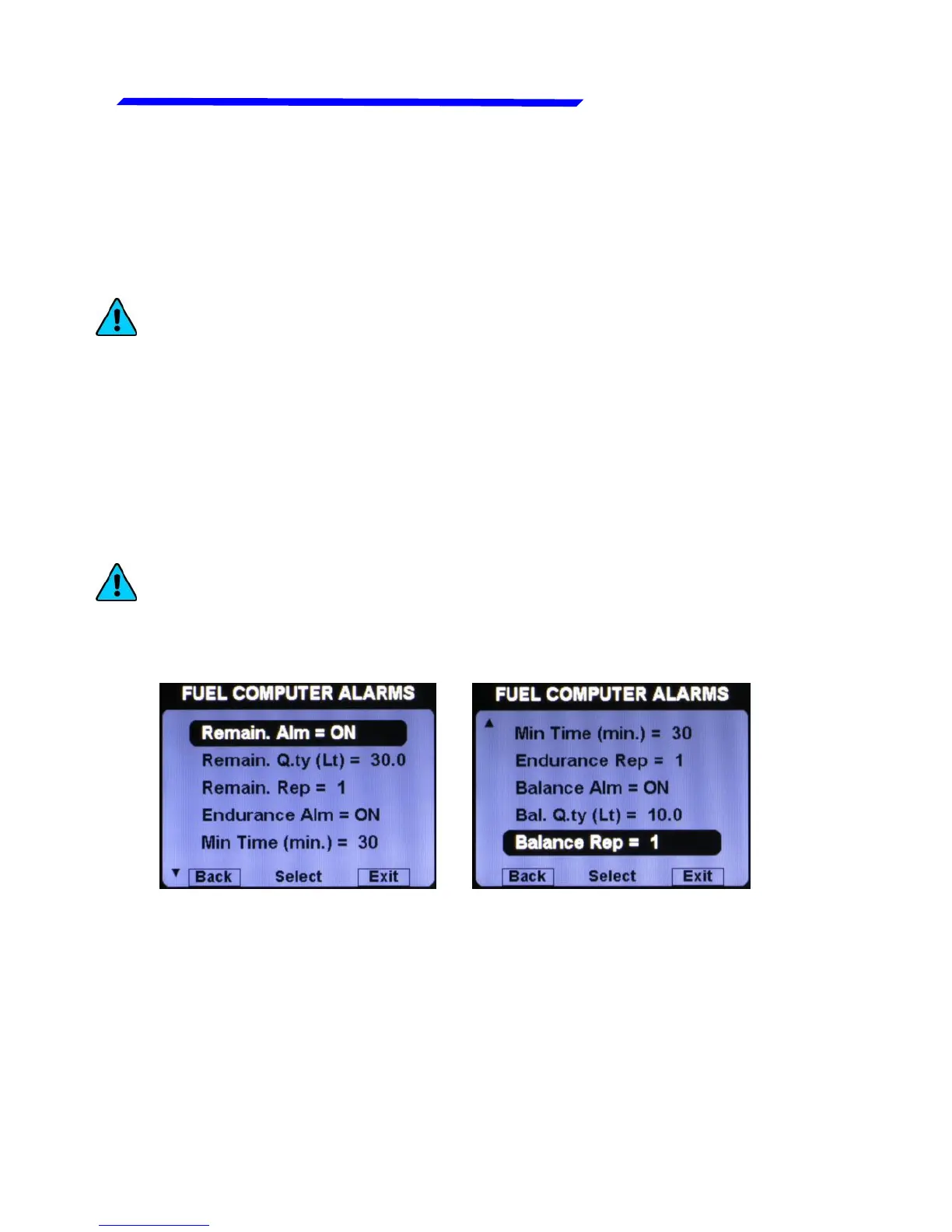
● Remain. Alm = ON/OFF: Enable or disable the alarm on
remaining fuel quantity (default=ON).
● Remain. Q.ty: Set the fuel quantity for the “Remain. Alm”. When
the remaining fuel of the Fuel Computer is below this setpoint
the alarm is activated (range: 0.1~99.9 lt, default=30.0 lt).
● Remain. Rep: Set the number of times that the vocal alarm for
the remaining fuel quantity is repeated on the audio output
(range:1~5, default=1).
Instrument configuration



 To Next Page