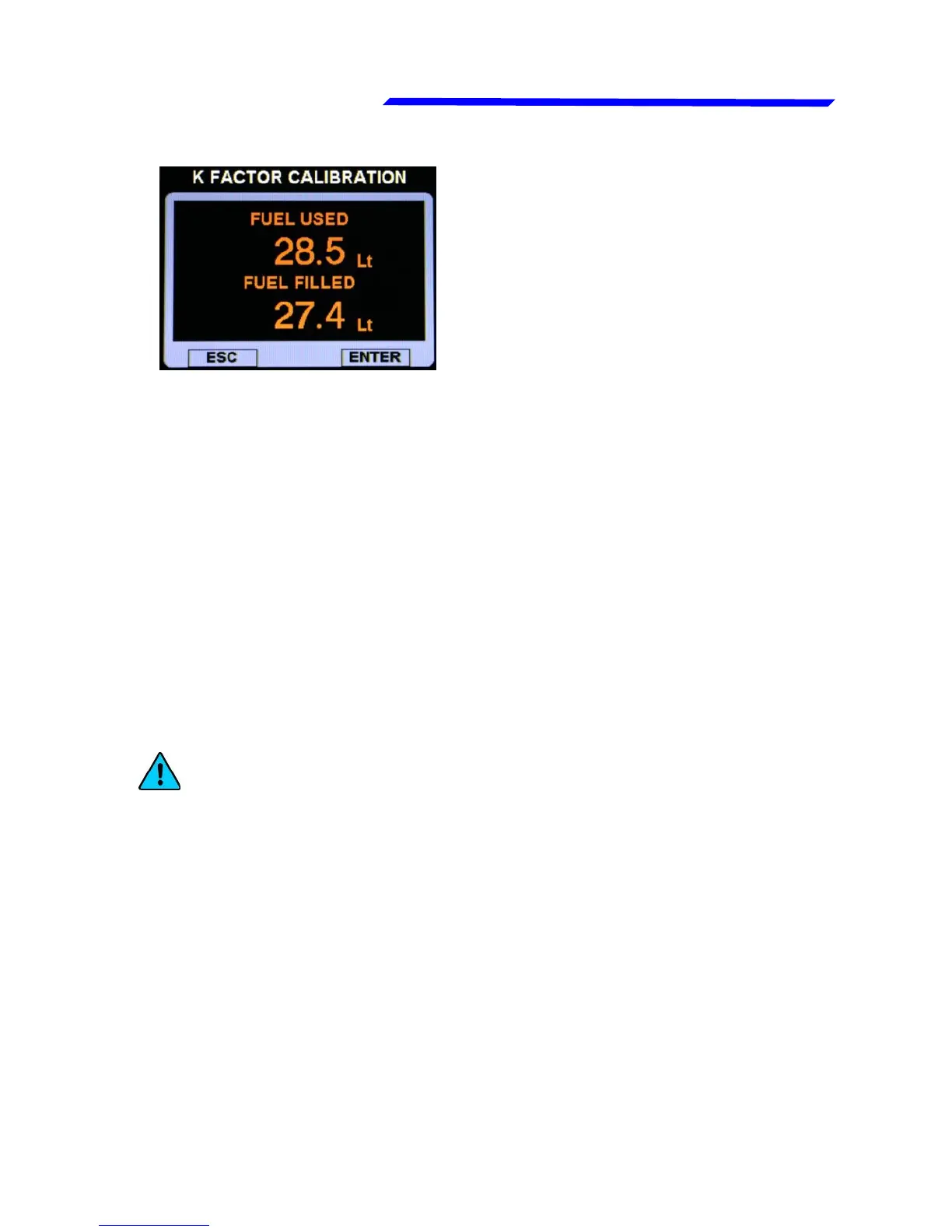
Fuel flow transducer calibration
7- Now you must insert in the “FUEL FILLED” the exact
quantity of fuel that you have added and measured in step
#4; probably it doesn't correspond exactly to the “FUEL
USED” because this is the measurement from the
transducer not yet calibrated and it’s showed for reference
only. To insert the value rotate the knob and press
“ENTER” to confirm. To exit without saving, press “ESC”.
8- When you confirm by pressing “ENTER” the display will
briefly shows the newly calculated K-factor and return to
the Fuel computer menu. The transducer is now
calibrated and the K-factor is automatically stored in
memory; you can safely exit the setup menu or turn off the
Vigilus.
NOTE: it's recommended to annotate the K-factor value
so that if you inadvertently modify it it's possible to
manually reenter the value without doing again the
calibration (however the fuel flow transducer calibration
may be repeated in any moment).
Instrument configuration



 To Next Page