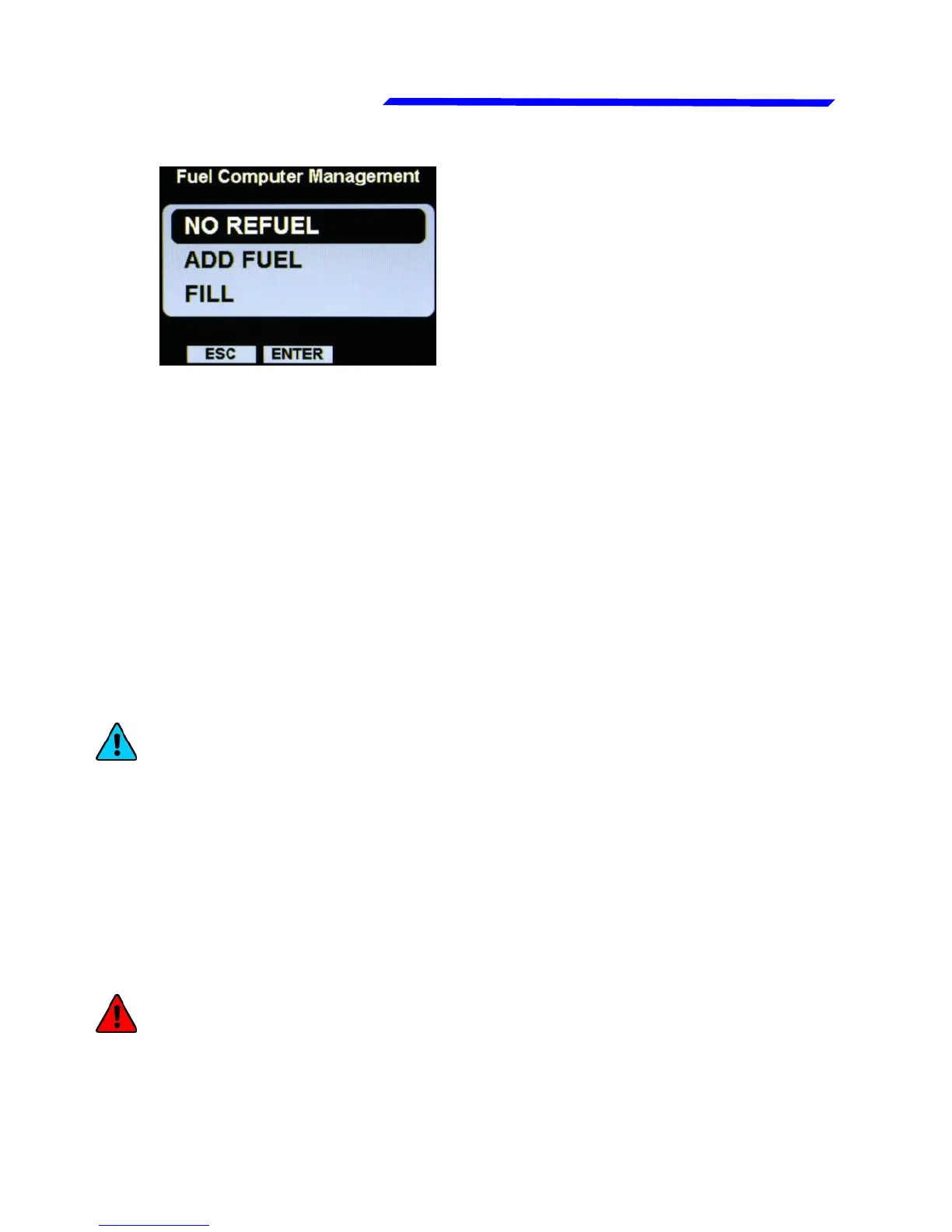
Fuel management page
NO REFUEL: Select this option if you have not refuelled the
tank.
ADD FUEL: Select this option if you have added fuel to the tank
(on the next screen that appears you can insert the exact
amount of fuel added).
FILLED: Select this option if you have filled the tank; the display
will show the quantity that has been added to reach the full level.
Before using this option you must have already set the tank/s
capacity in the fuel computer setup.
If you press “ESC” pushbuttons no change are made, but the
next time that you reach the fuel management page it ask again
until you choose one of the three options.
NOTE: If you need to correct a wrong fuel quantity add, select
“ADD FUEL” and insert a negative value.
Now the fuel computer is ready to operate; the available
indications are:
● FUEL FLOW: According to the selected unit of measure the
flow is indicated in liters per hour (Lt/h) or gallons per hour (Gl/h).
● REMAINING FUEL: Display the fuel remaining in the tank/s.
According to the selected unit of measure the quantity is
indicated in liters (Lt) or gallons (Gal).
WARNING: The remaining fuel displayed here is not a
measurement of the fuel in the tank, but it is calculated from
the initial quantity entered by the user and the burned quantity
measured by the fuel flow transducer (or measured by the
Rotax ECU for the 912iS version).



 To Next Page