9
EN
GearRecommendation
Ifthenotication“g” is displayed, you should shift
into a higher gear and pedal at a lower cadence.
Ifthenotication“h” is displayed, you should shift
into a lower gear and pedal at a faster cadence.
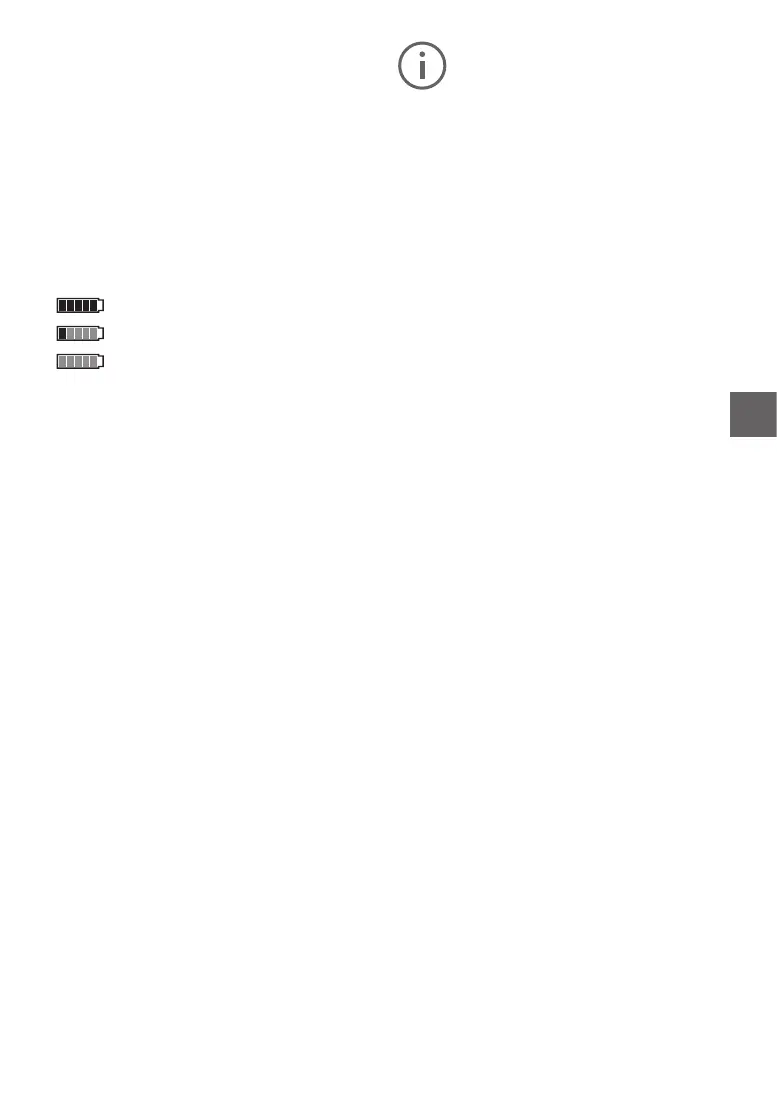
Batterychargestatusindicator
The battery charge status indicator i shows the
charge status of the E-bike battery and not that of
the internal on-board computer battery.
The charge status of the E-bike battery can be
read on the battery itself.
Each bar on the battery symbol i corresponds to
approx.20%capacity:
The battery is fully charged.
The battery should be topped up.
The charge for electrical support is used
up and the electrical support function
will gently switch o. The remaining capacity is
provided for the lighting and the controls, the dis
-
play
ashes.Thebatterywillstillprovideapprox.
2 hours of lighting.
Other power consumers (e.g. automatic gears,
chargingofexternaldevicesviatheUSBport)are
not taken into consideration here.
To reset <Route>, <Riding time> and <Aver
-
age>, switch to one of these three functions then
press the
RESET (6) button until the display is
reset to zero. The values of the two other func-
tions are also reset when you do this. To reset
<Maximum>,
switch to this function then press
the RESET(6) button until the display is reset to
zero. To reset <Range>, switch to this function
then press the RESET(6) button until the value
displayed is reset to the default value. If the on-
board computer is removed from the holder(4),
the values of all functions are saved and can con
-
tinue to be displayed.
Error
codedisplay
Continuous monitoring of the components of the
FLYER e-bike system is carried out automatical
-
ly. If an error is detected, the corresponding error
code
appears in the text display(d). Press any
button on the on-board computer (3) or on the
on-board computer (9)to return to the standard
display. Depending on the error type, the motor
maybeswitchedoautomatically.However,you
can continue to ride without motor assistance at
all times. The FLYER e-bike must be checked be
-
fore being ridden again.
The
list of error codes can be found in the sepa-
rate Intuvia operating instructions.
All repairs must be carried out by an au-
thorised bicycle retailer.



 To Next Page