FS-100: Using with a Computer
96 FS-100 Portable DTE Recorder
Mounting the FS-100 (Macintosh)
Step 1: Start the Mac computer and connect the FS-100’s COMPUTER
I/O
port to the computer using a standard 6-pin to 6-pin FireWire
cable.
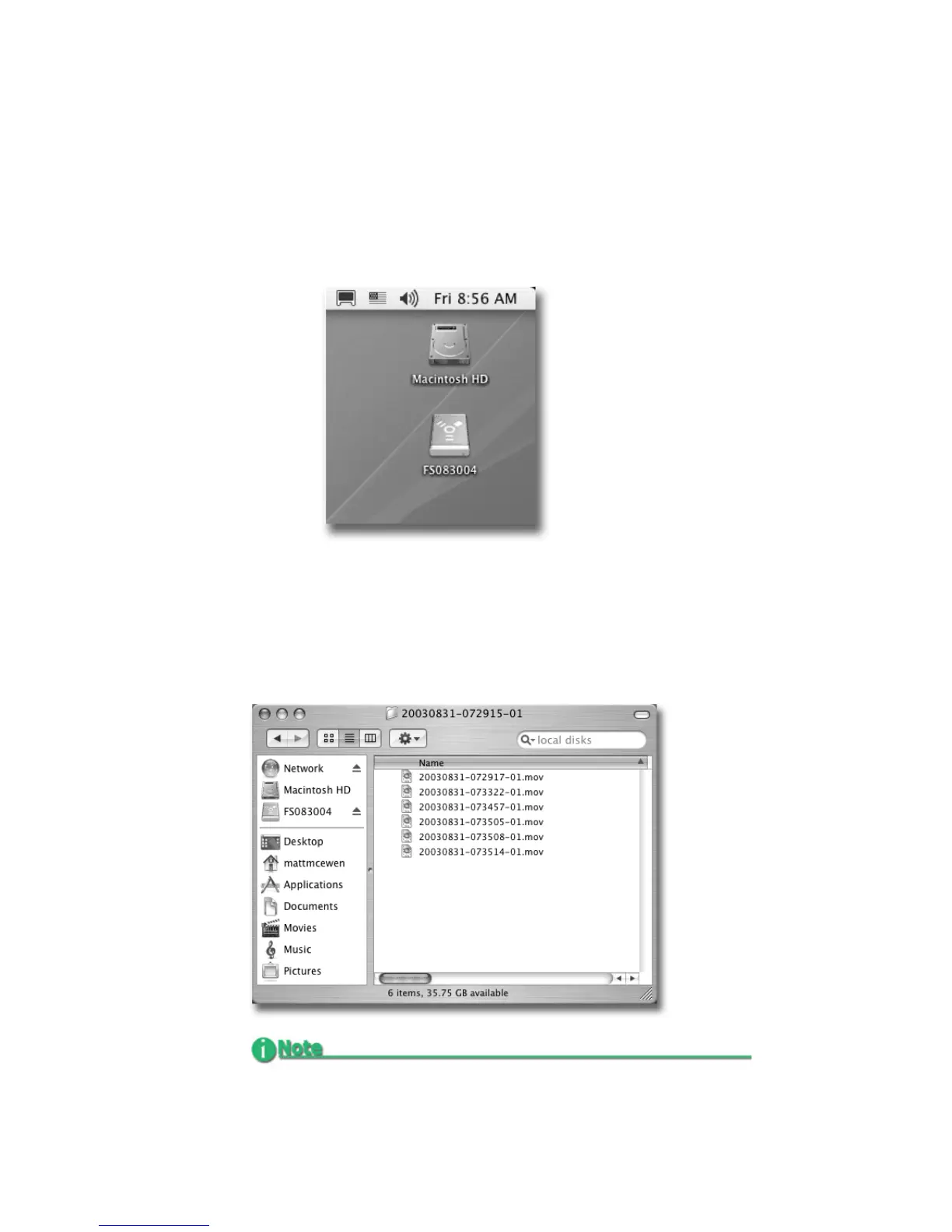
When mounted, the FS-100 should appear on the computer's
desktop as shown below:
The FS-100 appears as a FAT32 volume with a PC label.
Step 2: Locate the FS-100 on the desktop and open it up.
Step 3: Open the folder with the most recent date code (for example,
“20050127-110345-01”). It should look similar to the
following:
Before Connecting FS-100 to a Computer
If clips have been assigned to a Reel folder: perform an Organize
Reels before connecting the unit to a computer.



 To Next Page
 Loading...


