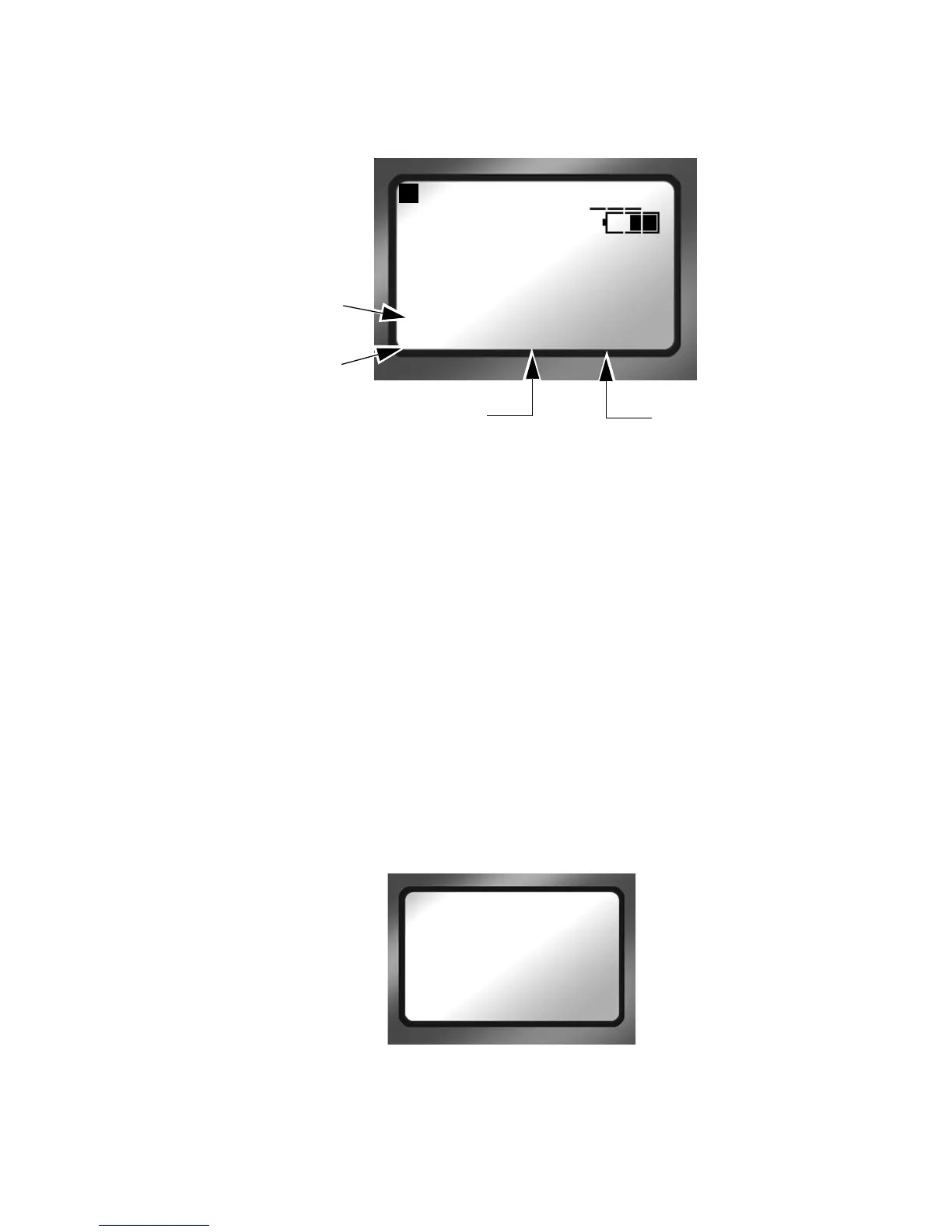
FS-100 Functions
FS-100 Portable DTE Recorder 65
Assigning Clips to Reels
The function buttons are a quick way to mark video clips during
recording. The Functions menu offers two types of markers to
use, as an example
FA REELS and FB REEL-2.
• FA REELS
Selecting the FA REELs programs the FS-100 to mark the
clips to the currently selected reel. The current reel is
indicated in the line
above the FA function reel selection.
•FB REEL 2
Setting a function button to this type of marker, instructs the
FS-100 to mark the current clip as belonging to the REEL R2.
• LOCK/UNLK:
Selecting LOCK or UNLK to lock or unlock the front panel
keys of the FS-100.
To prevent accidentally unlocking the front panel, there is an
unlock confirmation screen:
After pressing the
UNLK key, press SELECT.
Blank
Functions identified as Blank are inactive.
STOP 1-
COUNTER
00 : 00 : 20 : 15
DISK 1 168 min
R1
REEL R2 R1
Function FA
set to FA REELS
Function FB
set to FB R2-2
Function FC
set to FC R1-1
Currently
Selected REEL
UNLOCK KEYS
PRESS SELECT
TO CONFIRM
EXIT



 To Next Page