FS-100 Functions
FS-100 Portable DTE Recorder 49
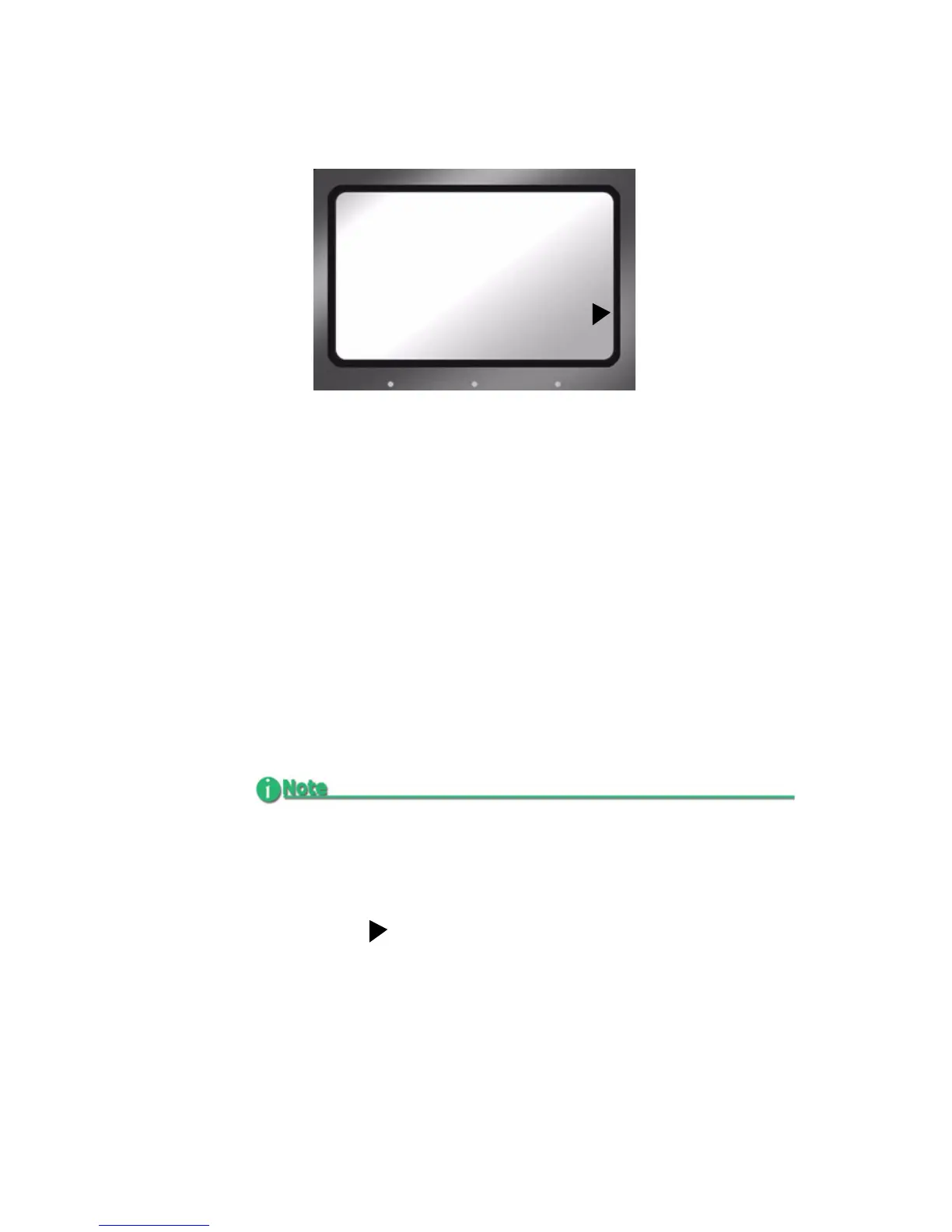
HDD Mode Screen
This screen displays the following items:
• DVCPROHD
Supports 100 Mb/s streams from the Panasonic AG-HVX200
companion camcorder (1080i and 720p). Other DVCPROHD
compatible input devices also supported.
• DVCPRO50
Supports 50 Mb/s streams from the Panasonic AG-HVX200
companion camcorder and other DVCPRO 50 input devices.
• DVCPRO/DV
Supports 25 Mb/s streams from the Panasonic AG-HVX200
companion camcorder and other DVCPRO/DV input
devices.
• DD DRIVE
Use this option when connecting the FS-100 to a computer.
The FS-100 functions as a volume visible to the computer. In
addition, this setting permits the connecting of multiple FS-
100s together to increase recording space.
FS-100 Automatically Detects Input Stream from AG-HVX200
FS-100 automatically detects the stream type input from the AG-
HVX200 camcorder and, in addition, selects the appropriate HDD
MODE.
HDD MODE
-DVCPROHD REC
DVCPRO50 REC
DVCPRO/DV REC
DD DRIVE



 To Next Page